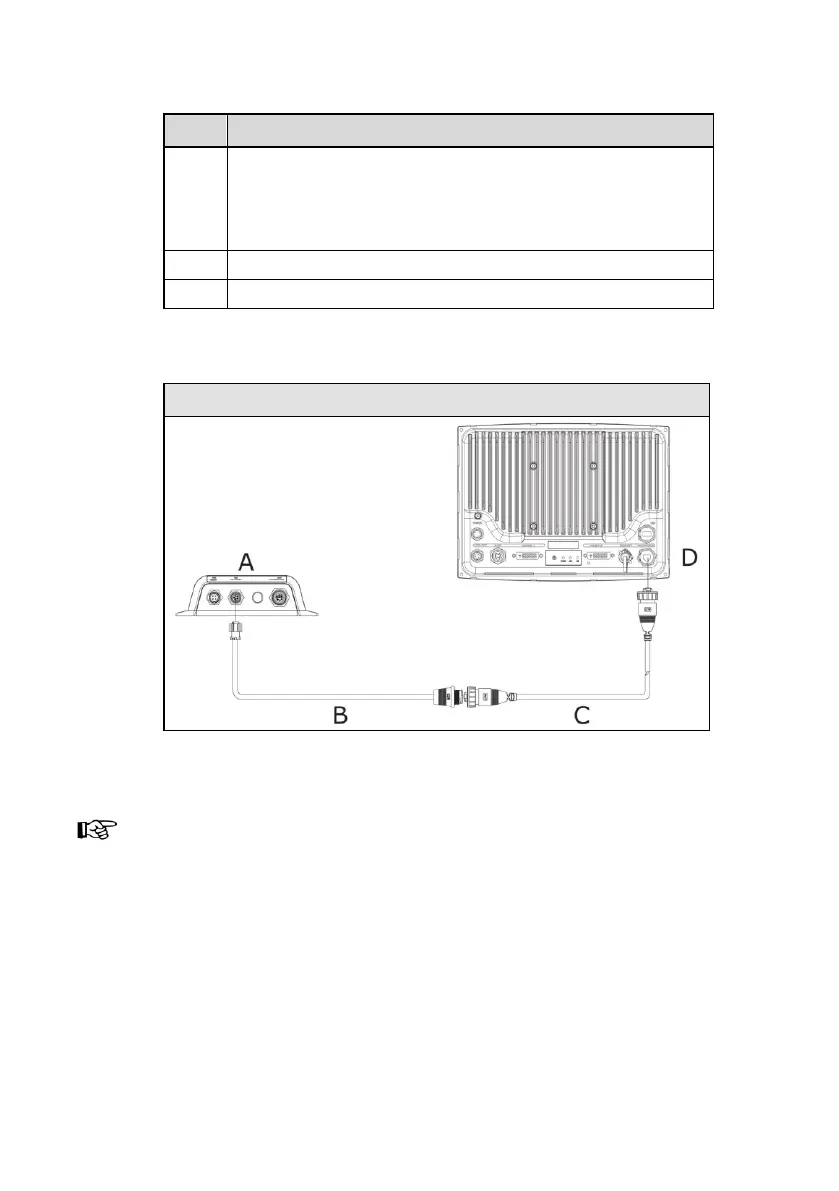
Ethernet cable yellow 5 pin.
Cable can be connected directly to NSE or via a Network
Expansion Port. See the NSE Installation manual for
more information.
Power cable, 12 or 24 V DC
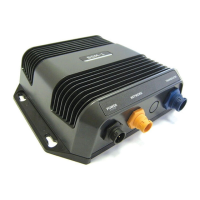
Navico 8 port Ethernet Linker AA010009
Simrad GB40 / Northstar 8000i
BSM-1 direct connection to display
Connect power of BSM-1 to same power source as the display.
If BSM-1 is connected directly to the display, it is important
that the BSM-1 is powered on when the GB40 or 8000i is on so
that the display can see a functioning network. C is a standard
Ethernet cable. No X-over cable is required.

 To Next Page
 Loading...