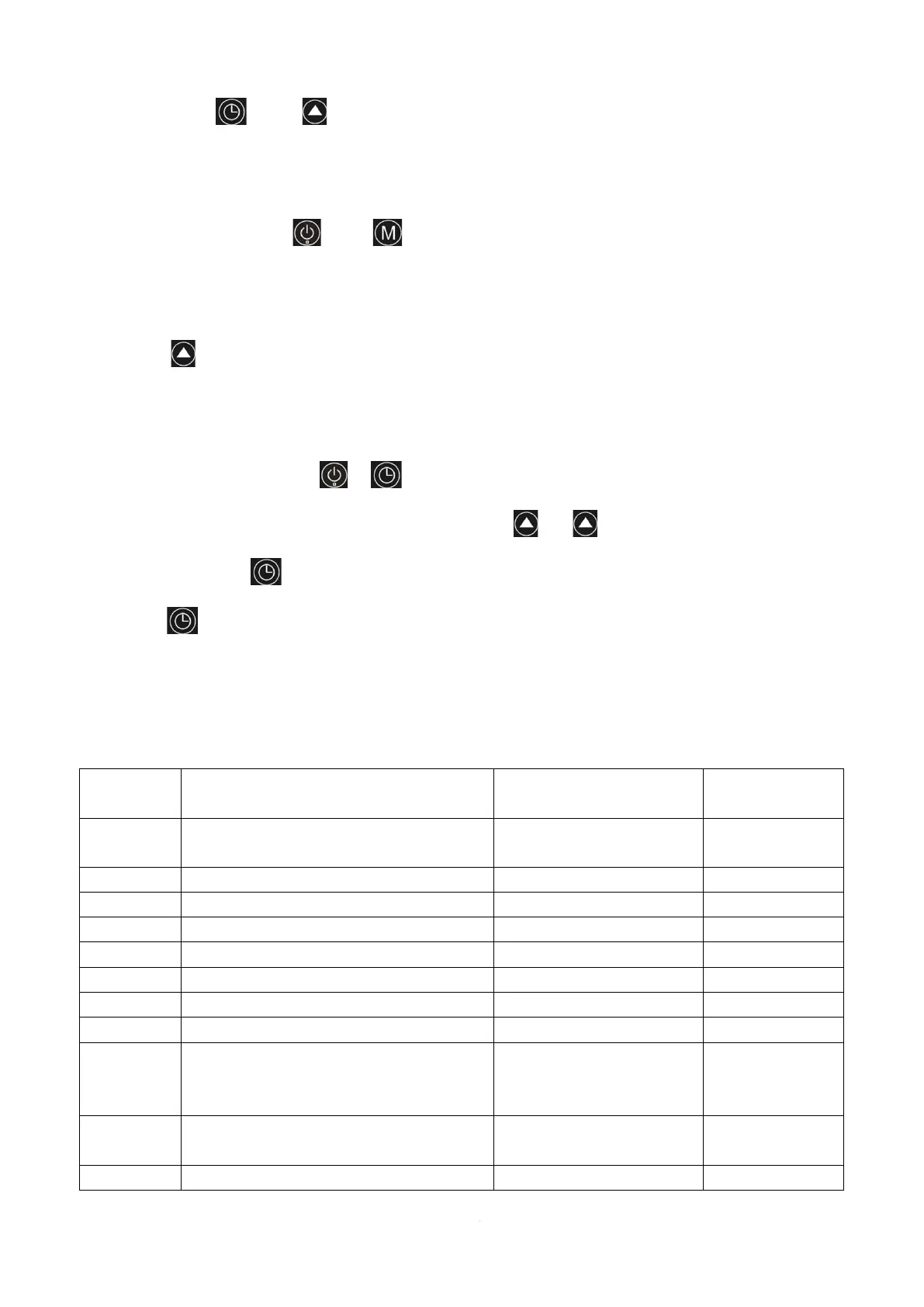
6.52 Operation mode switching:
Long press “ ” and “ ”on the main interface for 3 seconds to switch operation mode:
Powerful, Smart and Silent mode.
6.53 Celsius / Fahrenheit switch:
In the off state, press “ ” and “ ” for 3 seconds in the main interface to switch between
Celsius and Fahrenheit.
6.54 Manual electric heating function
Press “ ”for 3 seconds in the main interface to turn on / off the electric heating function
manually.
6.55 System parameter setting:
Long Press and hold the “ ”+“ ”button for 5 seconds to enter the password input state.
The time display position displays "0000". Press the “ ”or “ ”button to enter the password,
and then press the “ ” key to switch the password bit. When entering the last password,
press the “ ”key to confirm the password.
Enter the 4-digit password "0814", and enter the system parameter setting after the buzzer
rings twice.
7 System Parameter:


 To Next Page