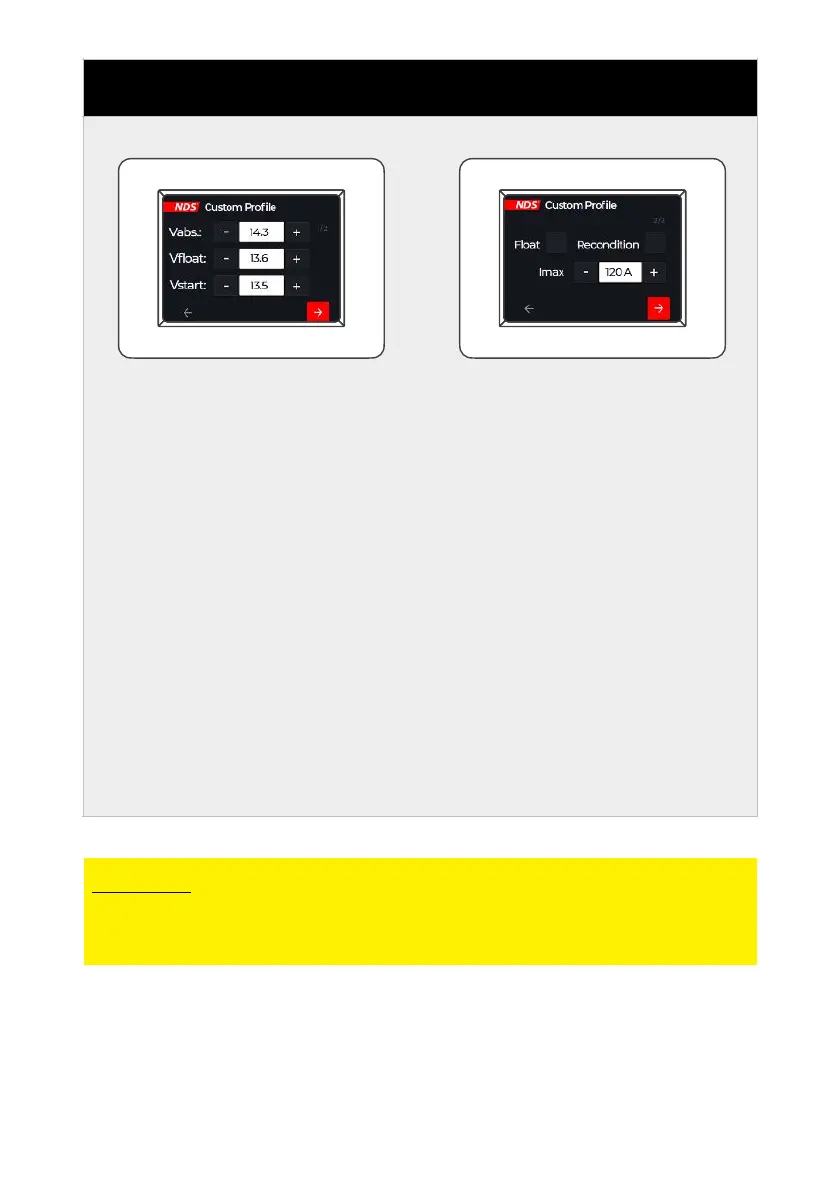
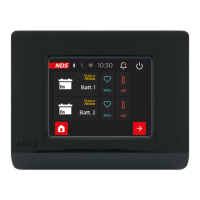
Set the desired values
using the + and - buttons
on the side, then proceed
to the next screen using
the red button at the
bottom right.
T h e s e t t i n g v a l u e s
correspond to the steps
per fo rm ed by m o dern
battery chargers, these
values are usually provided
b y t h e b a t t e r y
manufacturer:
Vabs. = Absorption voltage
(absorption)
Vfl o at = Fl oat vo lta g e
(floating)
Vstart = Starting voltage
(starting)
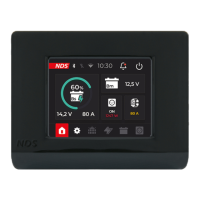
Select the desired options
by marking the box, and
set the required value with
the + and - buttons on the
side, then proceed to the
next screen with the red
button at the bottom right.
Float = Enables the float
function. This function
keeps the batteries always
at the optimum state of
charge.
Recondition = enables the
desulph ation function,
ideal for Lead/Acid batteries
(AGM, Gel, Wet)
CAUTION
If you are not sure of the values to be set, return to a standard
configuration.


 To Next Page