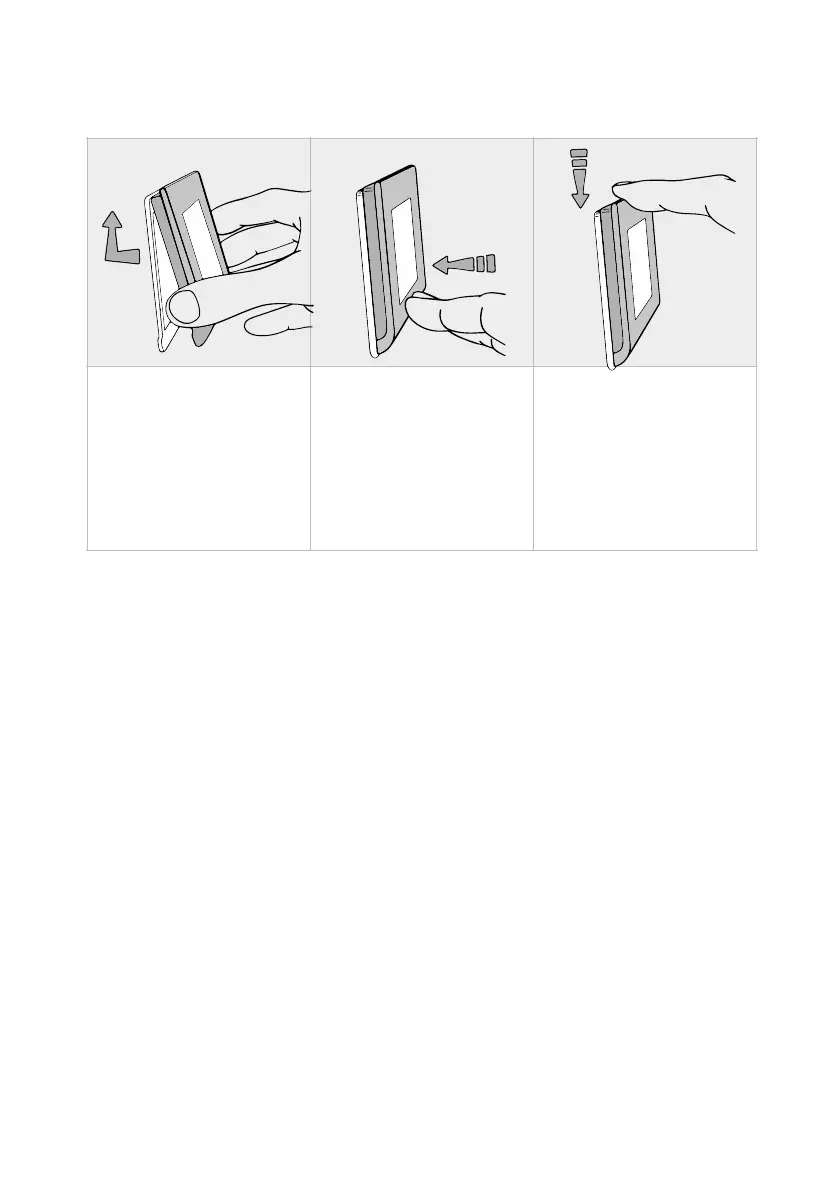
5. Fasten the display to the anchor bracket as required.
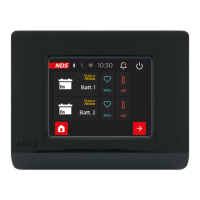
6. Connect the DTB01 display to an NDS device with N-
BUS.
7. SETUP INIZIALE
The DTB01 Bus Display allows you to set up and control
all networked N-BUS devices. When the display is
started for the first time, it searches for all connected
devices and displays the setup menus of all devices
(e.g. Suncontrol2 SCE, Lithium Battery Tempra) in
succession.
Follow the steps below to best set up your N-BUS
network using the DTB01 Display:
1. Connect the DTB01 display to an N-BUS device.


 To Next Page