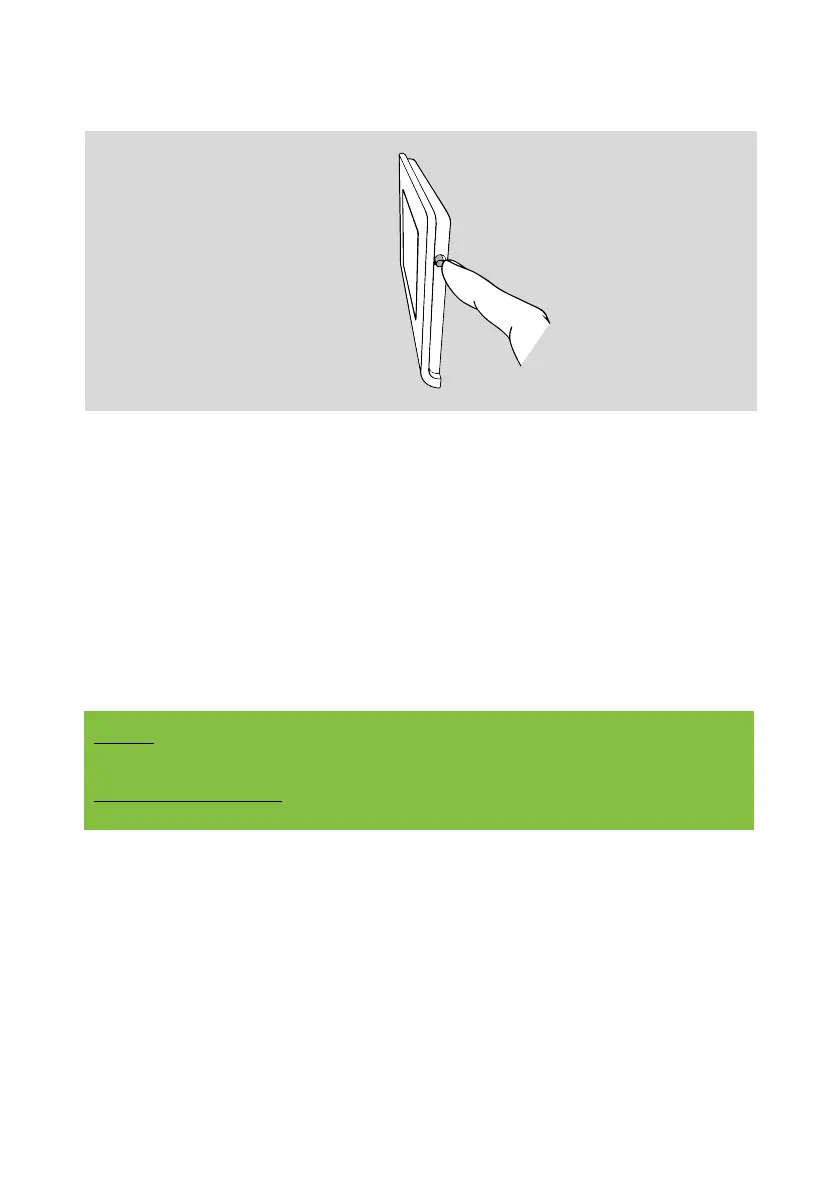
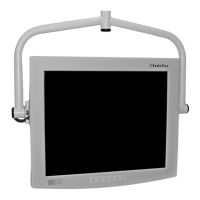
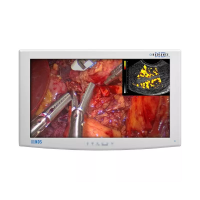
2. Press the button on the side of the display frame.
A short press (1 second) of the side button switches
on the display and all connected N-BUS devices.
A long press (5 seconds) of the side button switches
off the display and all connected N-BUS devices.
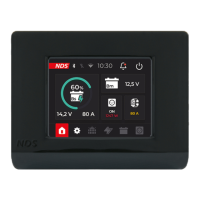
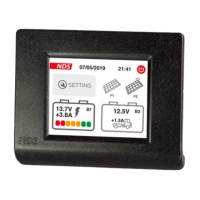
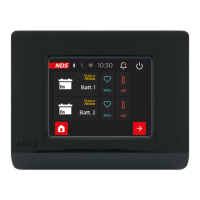
3. After the start-up screen, set the required data by
moving through the various screens with the
selection buttons. As shown in the figures below.
Setup can also be completed later.
NOTE
When starting the DTB01, only the setting menus for the
connected devices are shown in succession.


 To Next Page