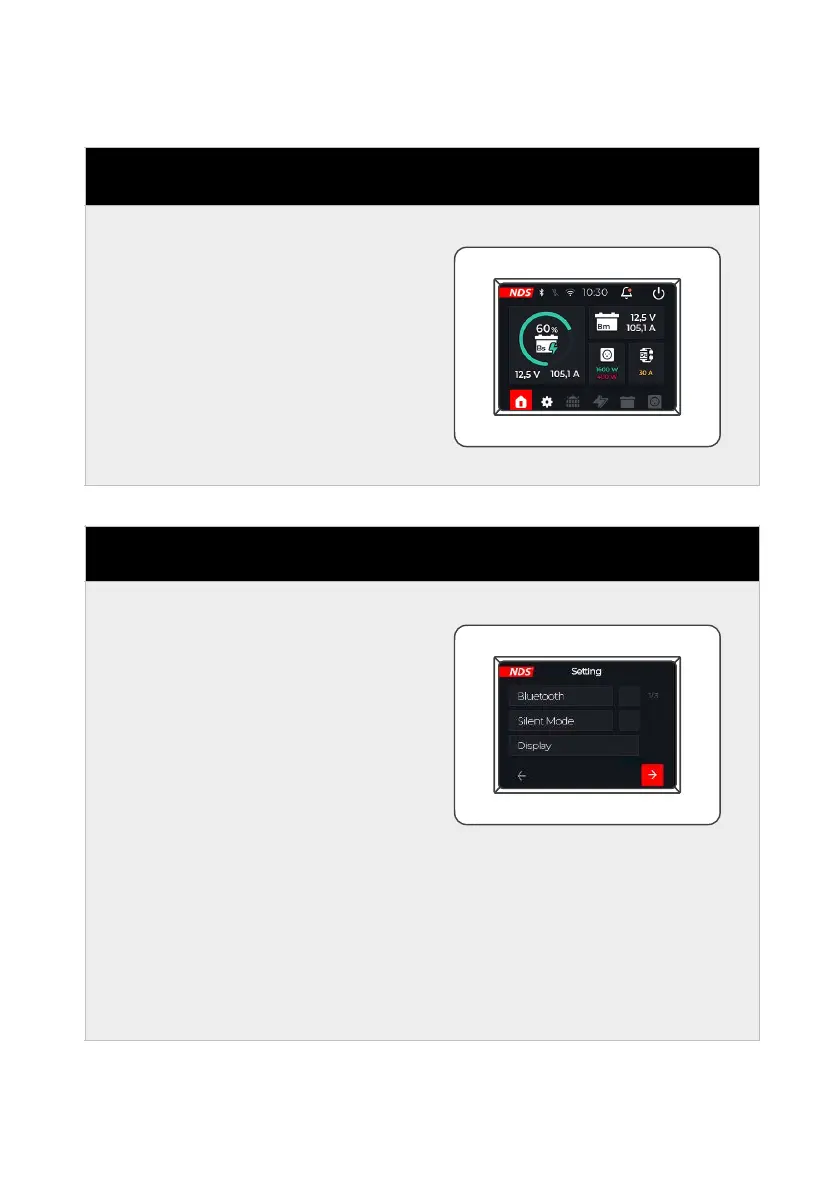
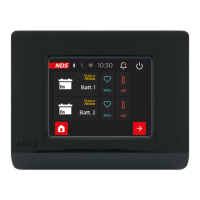
From the home screen, click on
the gear symbol to enter the
settings menu.
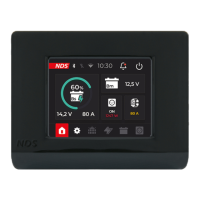
On page 1/3 of the settings
m e n u y o u c a n s e l e c t
settings by ticking the box,
e.g. for
A c t i v a t e / D e a c t i v a t e
Bluetooth.
Activate/Deactivate Silent
mode: silent mode for Power
S e r v i c e P S B a n d
SunControl2 SCE360.
It is also possible to enter
sub-menus, such as for the
Display.


 To Next Page