8. SCREEN STRUCTURE
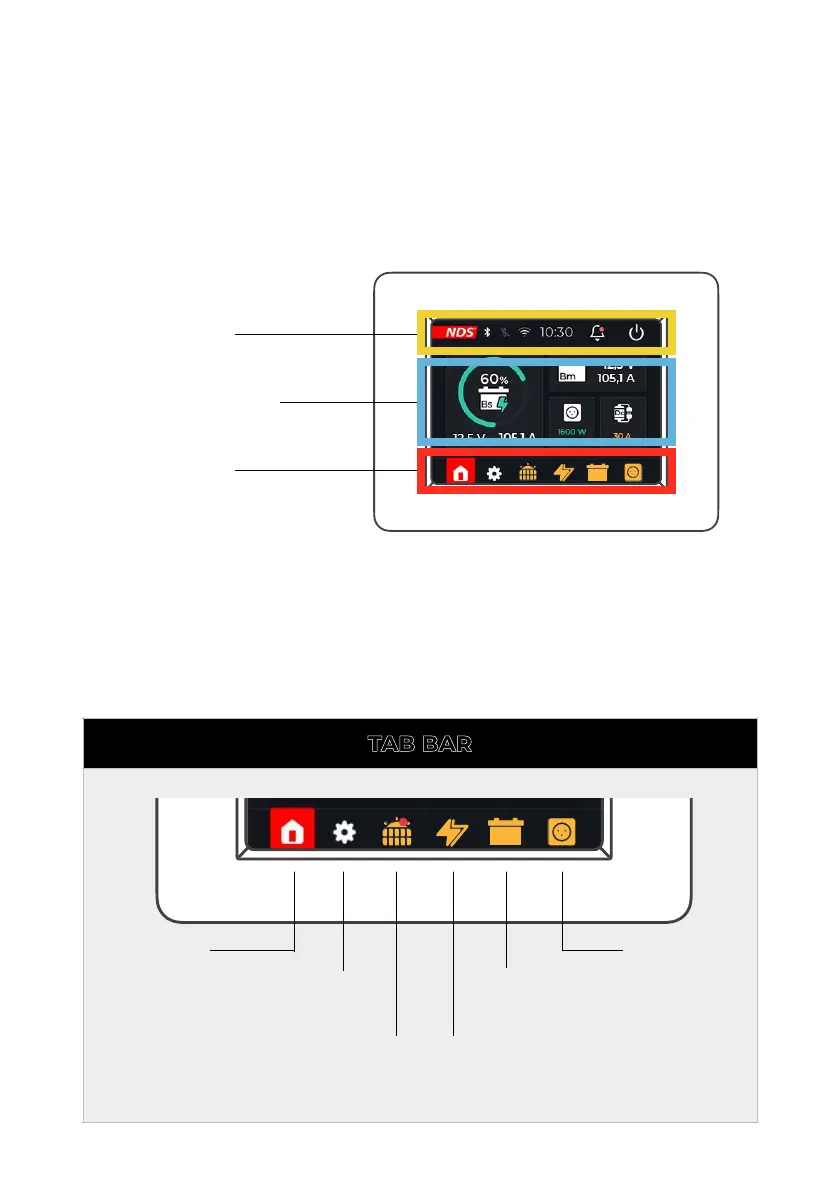
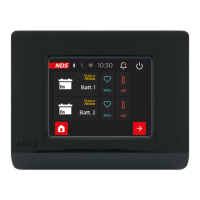
The Home screen consists of an upper status bar
(Status Bar), a central part dedicated to device widgets,
and a lower navigation bar (Tab Bar).
The tab bar shows the icons of the active devices
connected to the N-BUS network, the setting icon
(Settings) and the return button to the Home Screen
are also shown.


 To Next Page