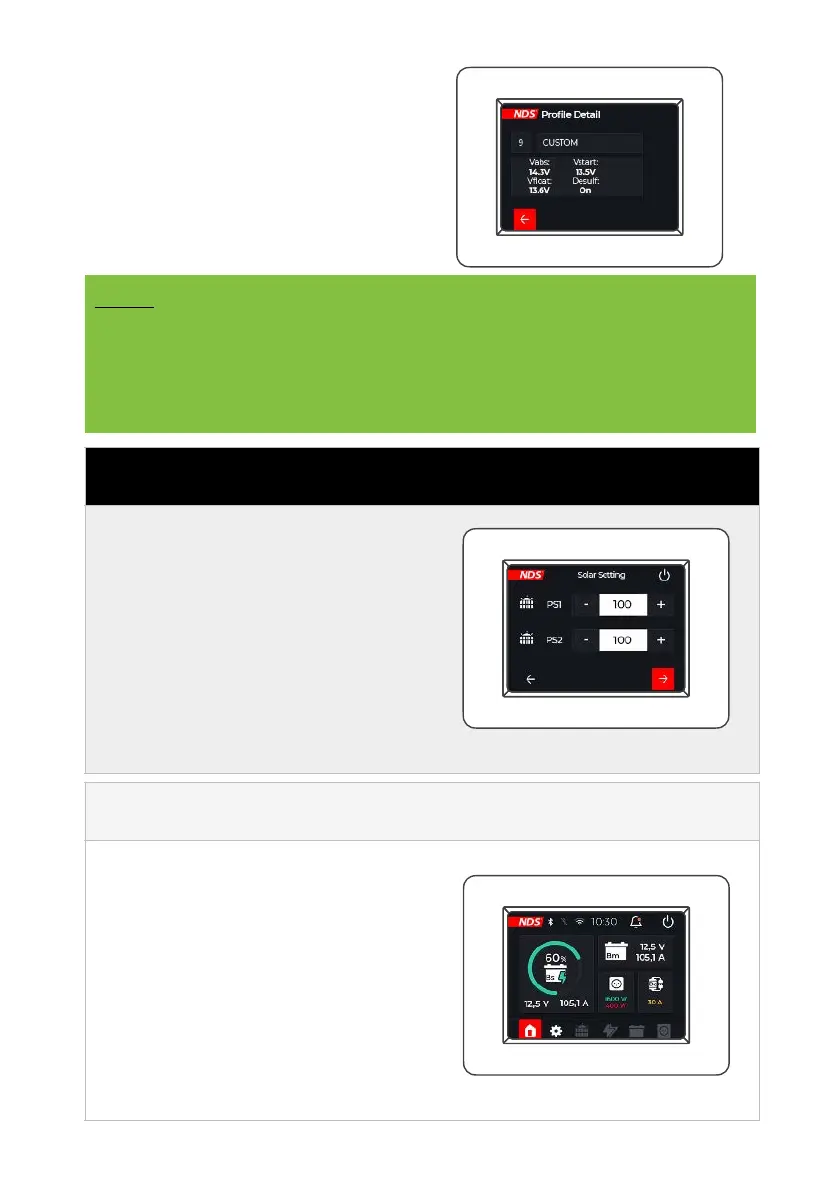
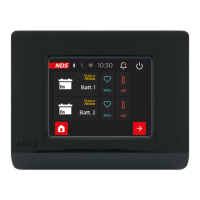
To get more information on the
charge values, click on the arrow for
the desired charge curve, the display
screen for the technical charge data
will open.
NOTE
When the Tempra Battery is connected to the N-BUS network,
the values for technology and Ah will automatically be set and
cannot be changed. The charging curve will automatically be set
to LiFePO
4
(No. 5).
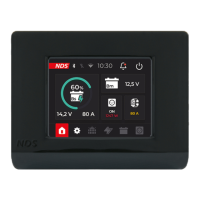
Set the power (W) of the
connected solar panels using
the plus and minus buttons on
the side.
When finished, continue to the
next screen by pressing the red
button at the bottom right. Or
go back using the bottom left
button.
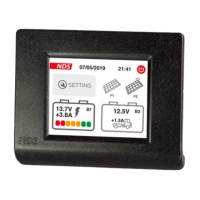
After finishing the setting
screens, you arrive at the
Home Screen.


 To Next Page