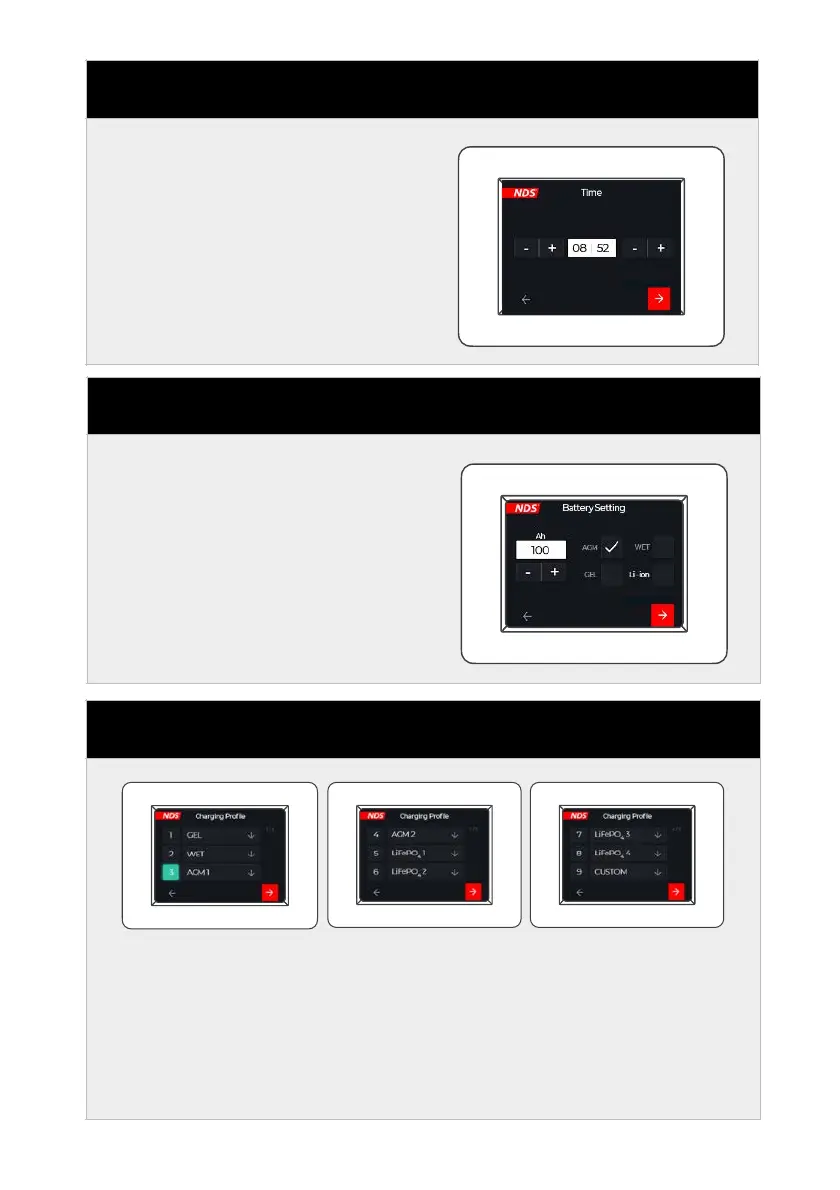
Set the time with the + and -
buttons.
When finished, continue to the
next screen by pressing the red
button at the bottom right. Or
go back with the bottom left
button.
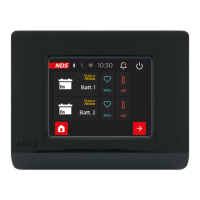
STEP 5 - BATTERY SETTINGS
Set the capacity and technology
of the leisure battery to be used.
When finished, continue to the
next screen by pressing the red
button at the bottom right. Or
go back with the bottom left
button.
Set the correct charging curve
in relation to the selection
made in step 5. Click on the
number at the side of the
technology (technologies not
suitable according to step 5 will
not be selectable).
The number will be highlighted
in green.
When finished, continue to the
next screen by pressing the red
button at the bottom right. Or
go back with the bottom left
button.


 To Next Page