EasyManua.ls Logo

NDS DTB01 - Page 10

NDS DTB01
28 pages
Print Icon
To Next Page IconTo Next Page
To Previous Page IconTo Previous Page
Loading...
8
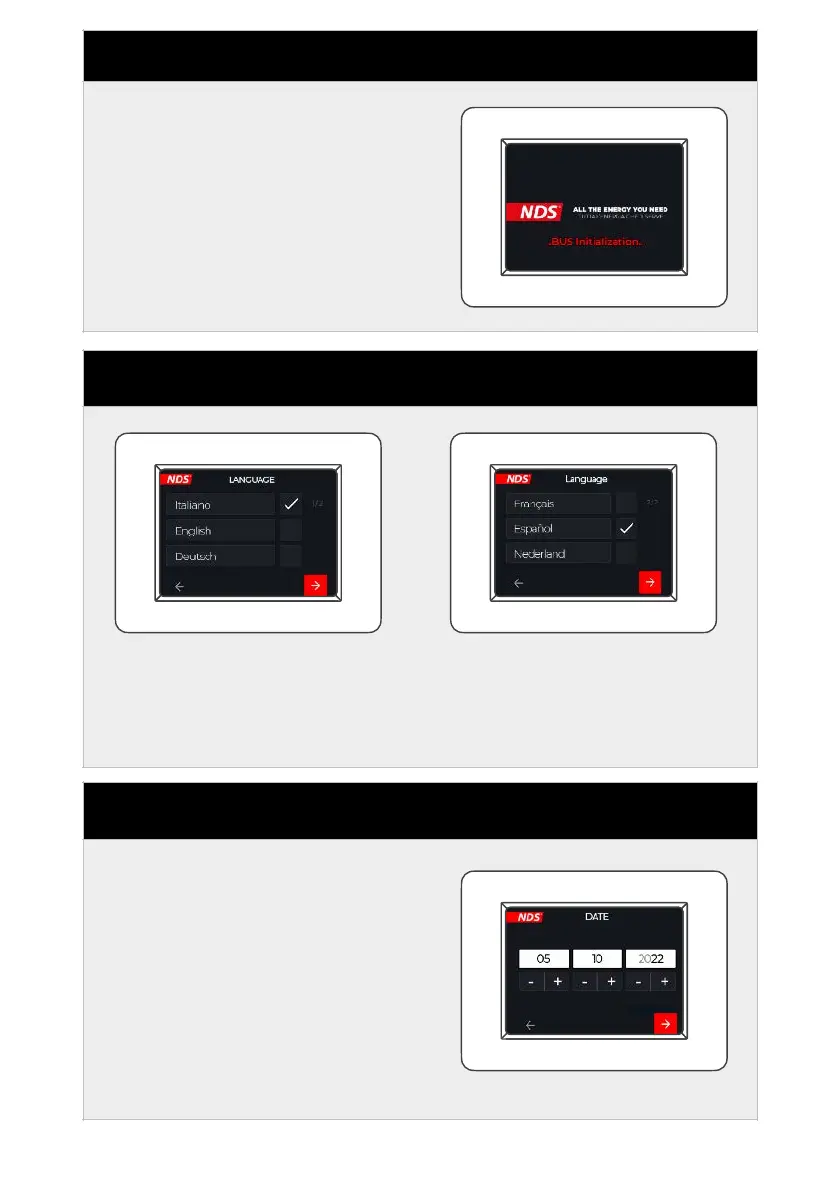
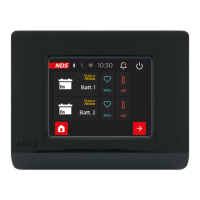
STEP 1 - POWERING UP
After pressing the power
button, the loading screen is
displayed and the N-BUS
network is initialized.
STEP 2 - LANGUAGE
Set the desired language.
Press the red button at the
bottom right to go to the
next screen.
You can skip this step and
go directly to the home
page by clicking on the
arrow at the bottom left.
STEP 3 - DATE
Set the date by pressing the +
a n d - b ut t on s b e l ow t he
reference box. When finished,
continue to the next screen by
pressing the red button at the
bottom right. Or go back with
the bottom left button.

Related product manuals