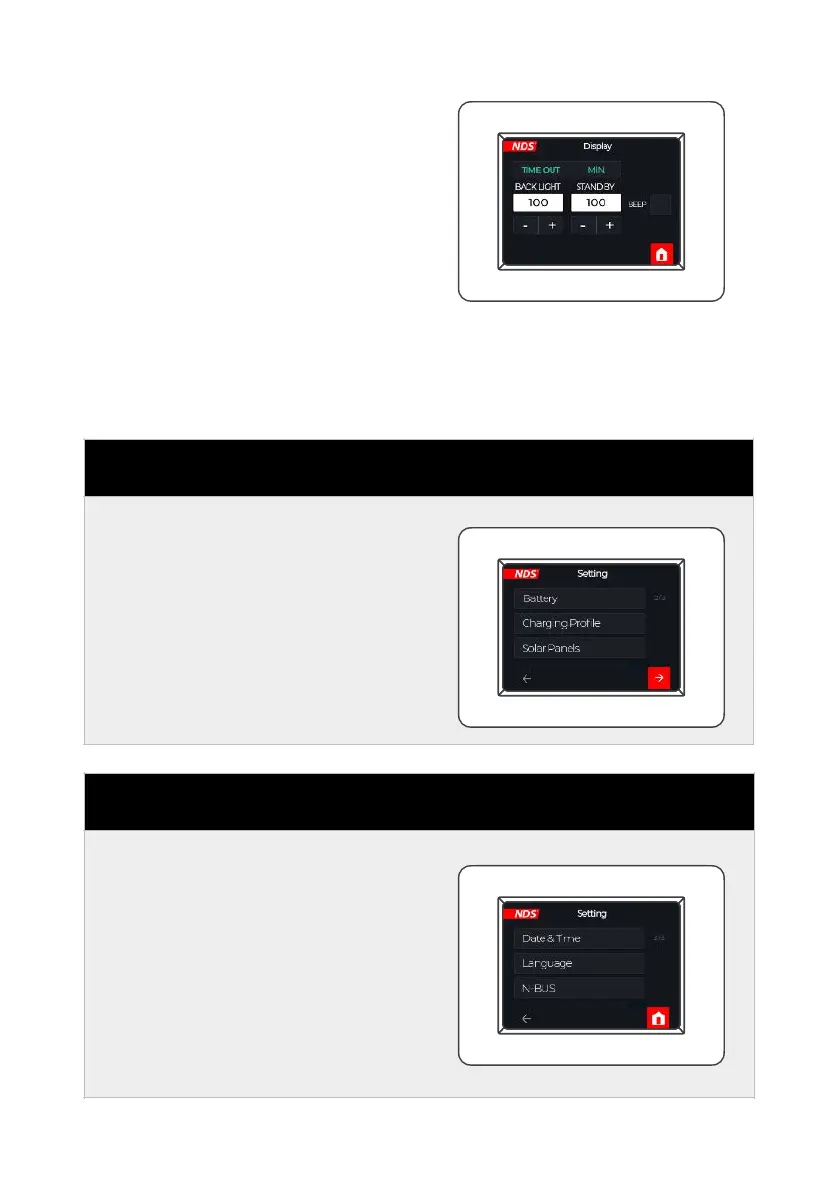
The Display submenu allows
you to:
• Set the backlight activity time
• Set the time before display
standby.
• Activate/deactivate audio
feedback when touching the
display.
Act on the + and - selection
buttons, and finally click on the
red button at the bottom right.
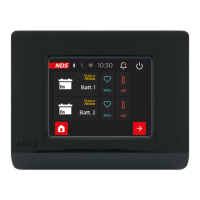
From this screen you can access
su b- men us to se t de tai ls
concerning leisure battery,
charging curve and solar panel
power.
From this screen you can access
su b- men us to se t de tai ls
regard i ng date a n d t ime,
l a n gu ag e a n d t h e l is t o f
connected N-BUS devices.


 To Next Page