2
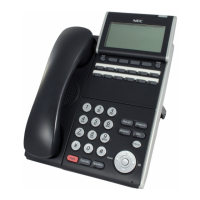
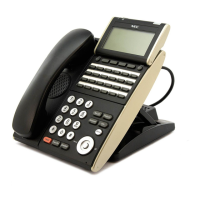
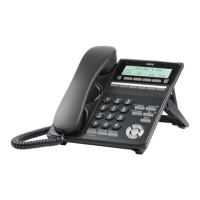
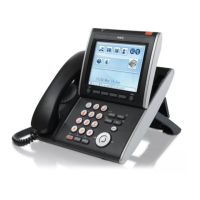
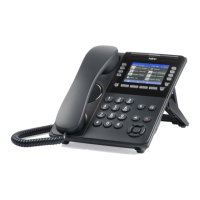
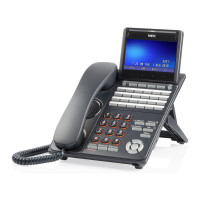
Keys and Lamps
LED Some of the keys listed below have a built-in Light Emitting Diode (LED)
that lights or flashes according to the activity of that function key.
Security Button Locks your phone so you cannot make or receive calls. The Security Lock
LED will remain illuminated when this feature has been activated.
Call Waiting Lamp This light will flash when you have an incoming call. The lamp remains
steadily lit when you have a voicemail message waiting.
LCD Display Liquid Crystal Diode (LCD) display provides D-Term activity information
plus date, time, and Soft Key operation.
Exit To exit from the Menu or Help mode and go back to the time display.
Soft Keys Any feature shown at the bottom of the LCD display is available. Press
>>> for more features.
Help Explanations of the Soft Keys can be pulled up on the LCD by pressing this
key.
Feature Keys Your phones lines, as well as various other phone features, are located on
these keys.
Speed Dial Keys These keys allow you to program frequently-used phone numbers and
functions into the D-Term’s memory. You can then dial the numbers or
engage the features by pressing a single key.
Recall Allows you to hang up a call and immediately get a dial tone.
Feature Used to program Speed Dial Keys. Also used to activate/deactivate
Answer mode (below).
Answer Allows you to automatically answer calls on your secondary lines. The LED
light on this key remains illuminated when this feature has been
activated.
Mic Turns the microphone on and off. The LED light on this key remains
illuminated when the Mic is on.







 To Next Page