EasyManua.ls Logo

NEC DECT G266 - Page 123

NEC DECT G266
127 pages
Print Icon
To Next Page IconTo Next Page
To Previous Page IconTo Previous Page
Loading...
Translation Tables
123
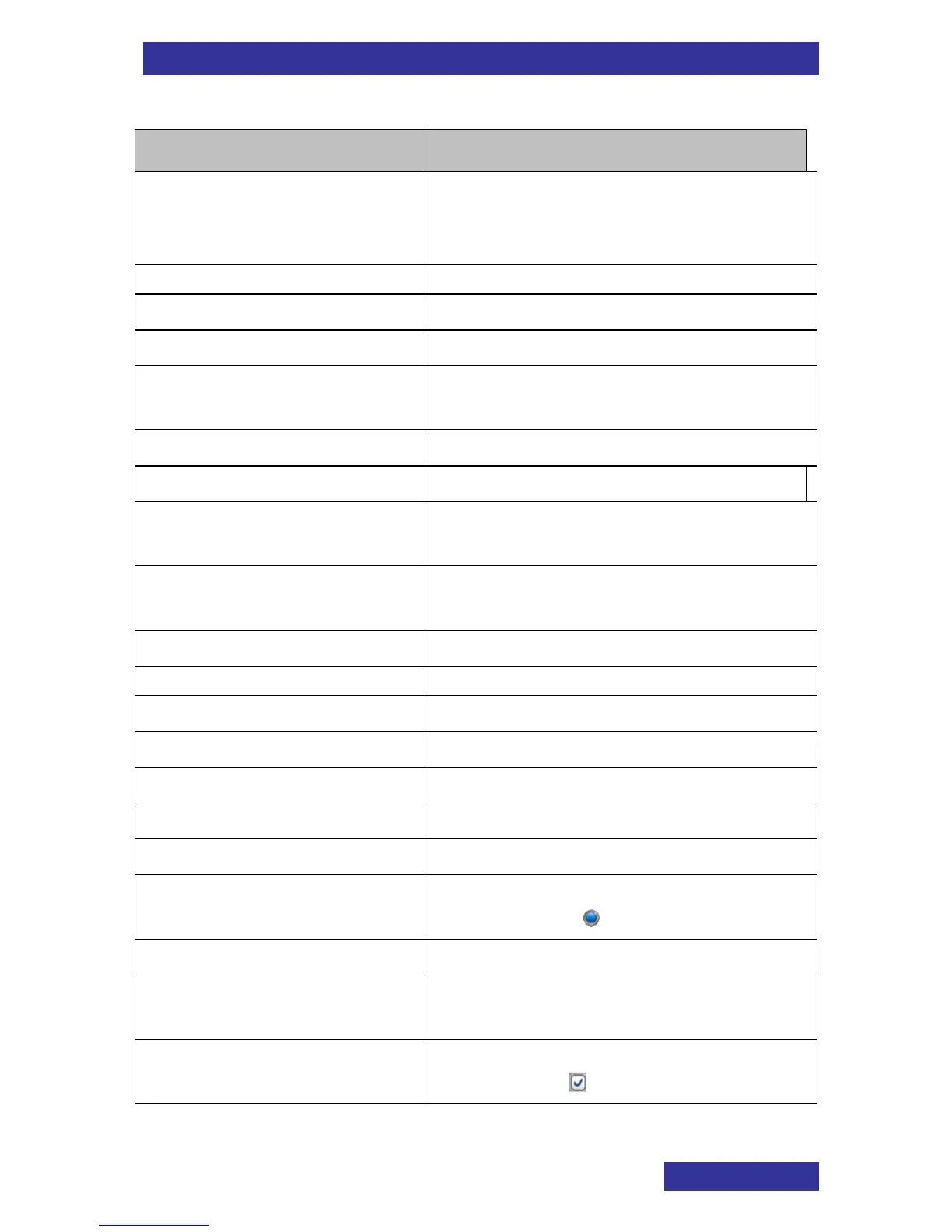
General text table
Bookmark Name
AppointmentNote
Note: Days with appointments will
be marked with a red dot at the
bottom right of the date.
ApprNumber
appropriate number
AwaitAnswer
Await answer
CalcShowResult
calculate and show the result
ContactSystemAdm
Please contact your System
Administrator
ContinueAsIn
Continue as in
EnterEdit
Enter/edit:
EnterEditPowerSave
To never turn off the display set the
second value to 0
EnterFirstCharacter
Enter the first character(s) of the
required name
FromStep
from step
LongPress
Long press
LoudspeakerOff
Loudspeaker off
LoudspeakerOn
Loudspeaker on
MakeNecessaryChanges
Make the necessary changes like in
MathOperator
mathematical operator (+, x, ÷ and -)
NotG266
Only for the G566
OnBlueDot
Note: Currently set value is marked
by a blue dot ( )
OnContinue
Continue a stopped measurement
OnLap
Save the intermediate result and
continue the measurement
OnMarkDay
Note: (Already) selected days are
marked with

Table of Contents

Related product manuals