EasyManua.ls Logo

NEC DECT G266 - Page 124

NEC DECT G266
127 pages
Print Icon
To Next Page IconTo Next Page
To Previous Page IconTo Previous Page
Loading...
Translation Tables
124
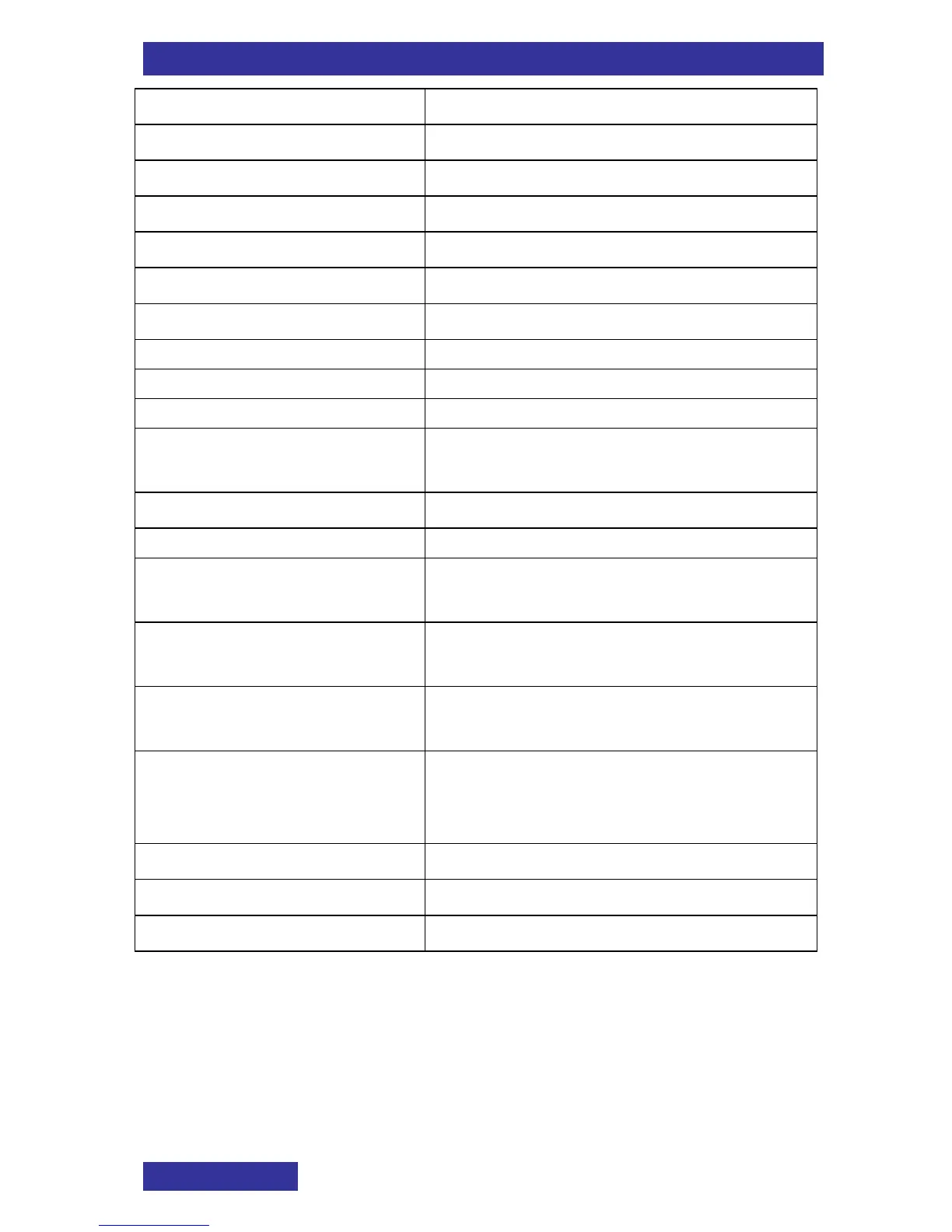
OnReset
Reset the stopwatch (back to 0)
OnStart
Start a new measurement
OnStop
Halt the measurement
OptionalStep
Optional step(s):
Or
Or
RepeatDaySelect
For the required days of the week:
ReqAppointment
required appointment
ReqContact
required contact
ReqEntry
required entry
ReqMessage
required message
ReqSystem
required DECT system (here e.g.,
NEC Hilversum)
ScrollText
Scroll the text
Select
Select:
UseKeypadDigChar
Use the keypad to insert one or more
digits (0 9, * and #) or characters
UseNavigation
Use the NAVIGATION keys to move
the cursor to the insertion point
UseToDeleteDigChar
To delete a digit or character use soft
key
UseUpDown
Use the Up or Down NAVIGATION
key to increase or decrease the value
of the selected field
Value
a value
VolumeDown
Volume down:
VolumeUp
Volume up:

Table of Contents

Related product manuals