1 - 28
Configuring the Cordless Terminal
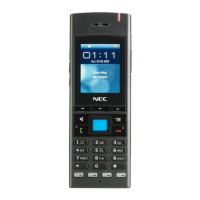
▼ Key Operations at Setup (Bluetooth
®
Handset)
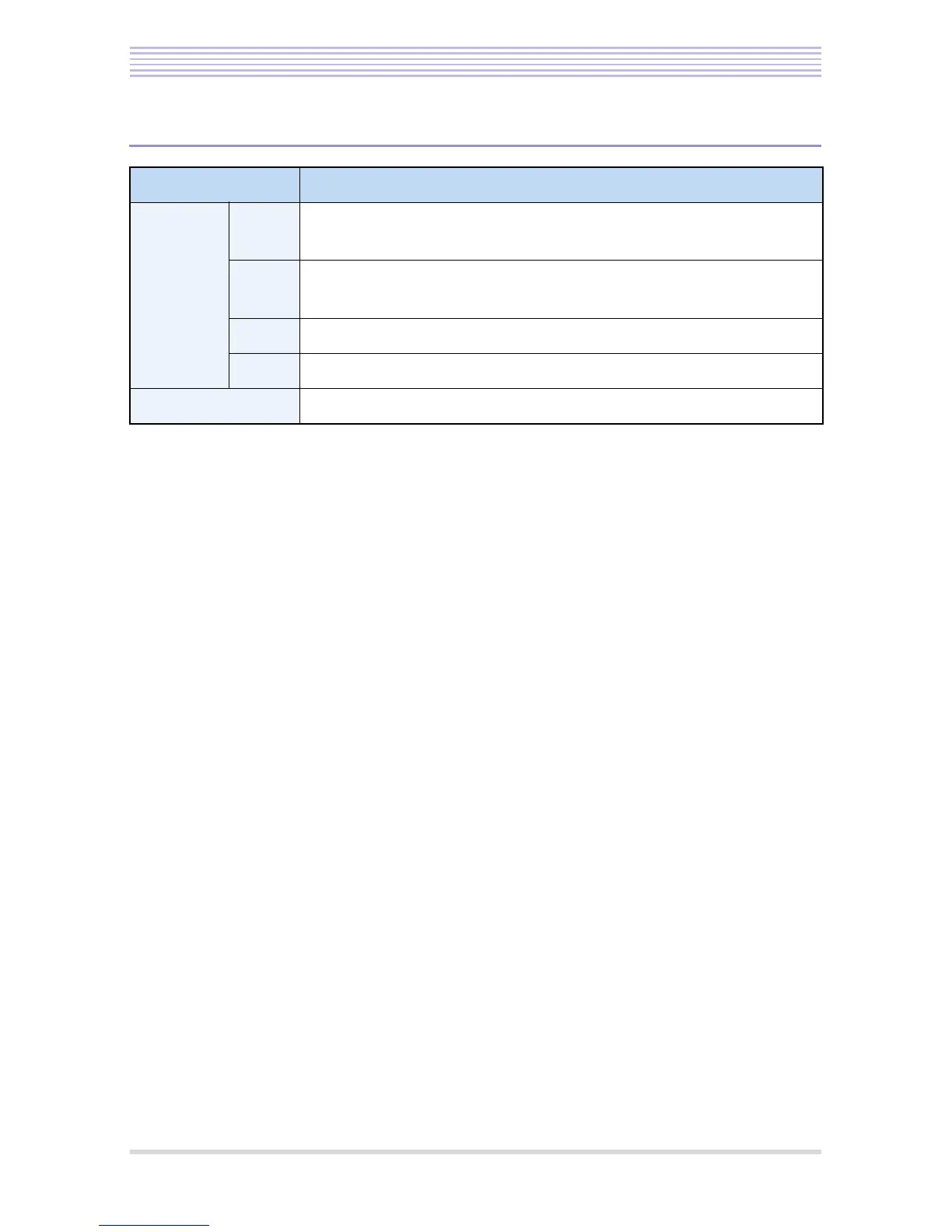
Key Description
Cursor
keys
Up • Moves up the highlighted item.
• Raises the volume or density.
Down • Moves down the highlighted item.
• Lowers the volume or density.
Left • Cancels an operation and returns to the standby panel.
Enter • Accepts the highlighted item and returns to the standby panel.
END key • Cancels an operation and returns to the standby panel.


 To Next Page