EasyManua.ls Logo

NEC MultiSync V422 - Important Usage Notes; Creating Custom Schedules; Understanding Image Persistence

NEC MultiSync V422
71 pages
Print Icon
To Next Page IconTo Next Page
To Previous Page IconTo Previous Page
Loading...
(30/71)
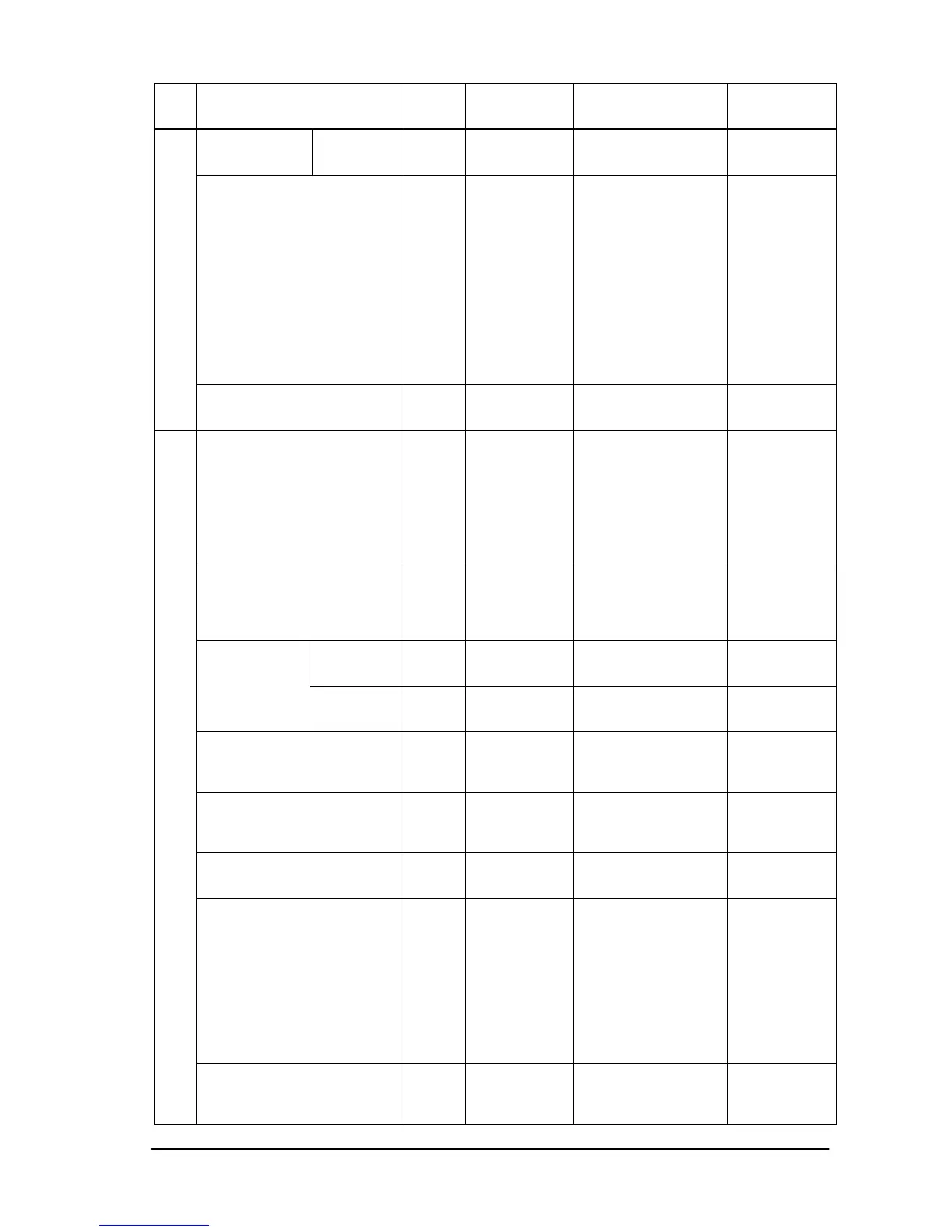
Item OP
code
page
OP code Parameter Remarks
Fade In 10h 0Dh 0: None
1: On
2: Off
PIP Input(Sub input) 02h 73h 0: No mean
1: VGA
2: RGB/HV
3: DVI
4: HDMI (Set only)
5: Video1
6: Video2
7: S-Video
12(0Ch): DVD/HD1
13(0Dh): Option
14(0Eh): DVD/HD2
15(0Fh): Display
Port
17(11h): HDMI
This
operation has
limitation of
selection.
Please refer
to the
monitor
instruction
manual.
Menu tree reset
(PIP)
02h CBh 0: None
6: Reset PIP
category
Momentary
Language 00h 68h 1: English
2: German
3: French
4: Spanish
5: Japanese
6: Italian
7: Swedish
9: Russian
14(0Eh): Chinese
OSD Language
Menu Display Time 00h FCh 0-1: Do not set.
2: 10s
3: 15s
|
48: 240s
5sec/step
H
Position
02h 38h 0: Left
|
MAX.: Right
OSD
Position
V
Position
02h 39h 0: Down
|
MAX.: Up
Information OSD 02h 3Dh 0:Disable
information OSD
3-10:
OSD timer [seconds]
OSD Transparency 02h B8h 0: None
1: Off(Opaque)
2: On(Translucent)
3: (reserved)
OSD Rotation 02h 41h 0: Normal
1: Rotated
Closed Caption 10h 84h 0: No operate
1: Off
2: CC1
3: CC2
4: CC3
5: CC4
6: TT1
7: TT2
8: TT3
9: TT4
OSD
Menu tree reset
(OSD)
02h CBh 0: None
7: Reset
OSD category
Momentary

Other manuals for NEC MultiSync V422

Related product manuals