64 - EN
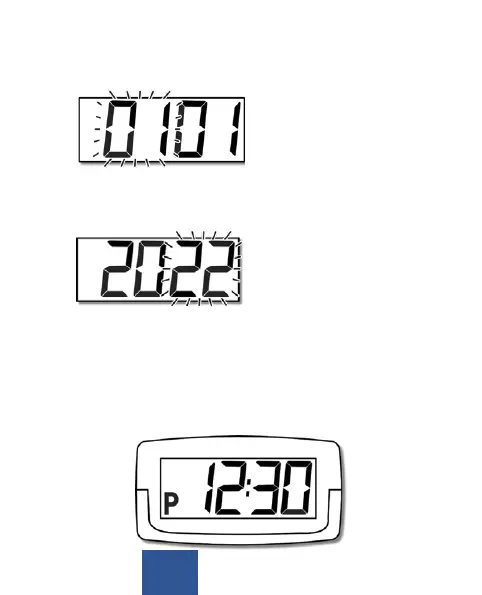
7. Press the F buon unl the month starts to blink. Set the
month using the + buon�
8. Press the F buon unl the year starts to blink. Set the
year using the + buon�
9. Aer you have nished the sengs the display will
show the current me. If you do not operate or touch
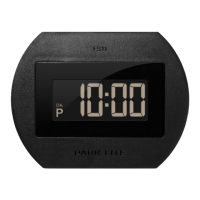
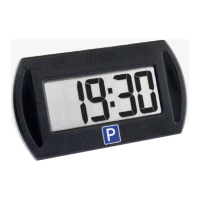
the device for 20 seconds it will start showing P and the
parking me according to your sengs. If the display is
blinking press the F buon repeatedly unl the blinking
ends.


 To Next Page