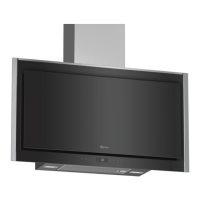
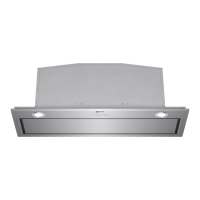
en Familiarising yourself with your appliance
6
5 Familiarising yourself with your appliance
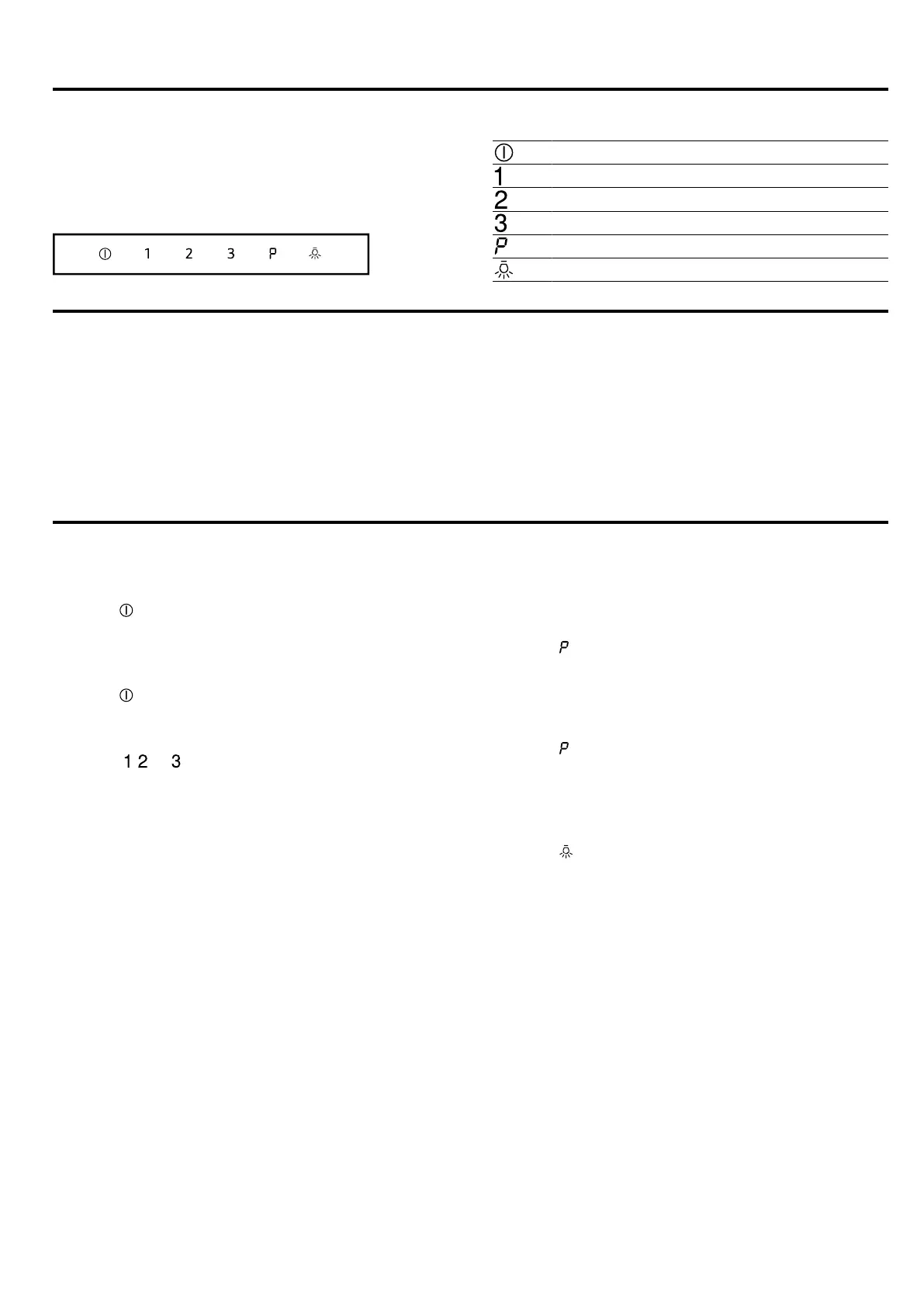
5.1 Control elements
You can use the controls to configure all functions of
your appliance and to obtain information about the op-
erating status.
Switching the appliance on or off
Switching on fan setting1
Switching on fan setting2
Switching on fan setting3
Switching intensive mode on or off
Switching the lighting on or off
6 Before using for the first time
Configure the settings for initial start-up. Clean the ap-
pliance and accessories.
6.1 Setting an operating mode
Your appliance is set to air extraction mode by default.
Note:When using it in circulating-air mode, you require
additional accessories.
▶
When using it in circulating-air mode, set the operat-
ing mode.
7 Basic operation
7.1 Switching on the appliance
▶
Press
.
a The appliance starts at fan setting2.
7.2 Switching off the appliance
▶
Press
.
7.3 Selecting a fan setting
▶
Press
, or .
7.4 Switching on intensive mode
If particularly strong odours or vapours develop, you
can use intensive mode.
▶
Press
.
a After approx. 6 minutes, the appliance automatically
switches to fan setting 3.
7.5 Switching off intensive mode
▶
Press
.
7.6 Switching on the lighting
The lighting can be switched on and off independently
of the ventilation system.
▶
Press
.


 To Next Page