en
29
Getting to know your
appliance
Please fold out the illustrated last page.
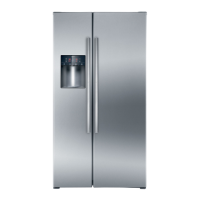
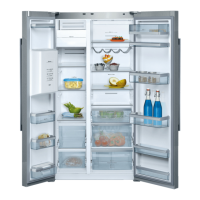
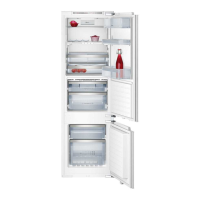
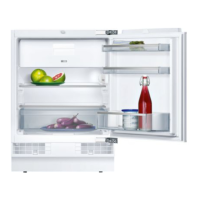
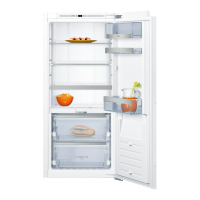
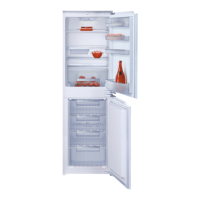
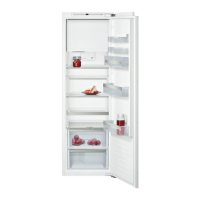
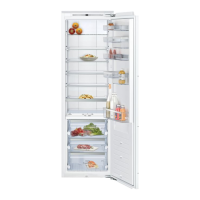
These operating instructions refer
to several models.
The features of the models may vary.
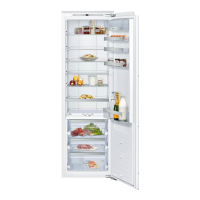
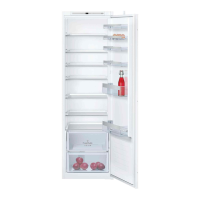
The diagrams may differ.
Fig.
Controls
Fig.
1-9 Controls
10 Light switch
11 Light
12 Shelf in the refrigerator
compartment
13 Air outlet opening
14 Egg rack
15 “Cool-fresh” container
16 Humidity filter
17 Humidity container
18 Frozen food container
19 Shelf for tubes and small tins
20 Shelf for large bottles
21 Ice pack
22 Freezer calendar
A Refrigerator compartment
BCool-fresh compartment
C Freezer compartment
1 On/Off button
Serves to switch the whole
appliance on and off.
2 Alarm button
Used to switch off the warning
signal, see chapter “Alarm
function”.
3 “Super” button (freezer
compartment)
Switches super freezing
on and off.
4 Temperature selection button
freezer compartment
The button sets the temperature
in the freezer compartment.
5 Temperature display freezer
compartment
The numbers correspond
to the set freezer compartment
temperatures in °C.
6 “Super” button refrigerator
compartment
Switches super cooling on and
off.
7 Refrigerator compartment
temperature selection button
The button sets the temperature
in the refrigerator compartment.
8 Temperature display refrigerator
compartment
The numbers correspond
to the set refrigerator
compartment temperatures in °C.
9 ON/OFF display
The ON/OFF display is lit when
the appliance is in operation.



 To Next Page