21
Getting to know your appliance
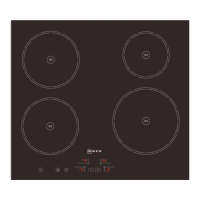
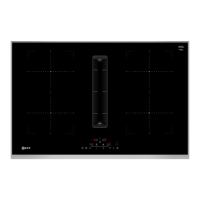
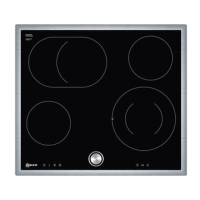
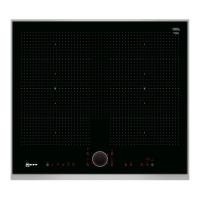
The instruction manual is the same for various different hobs.
An overview of the models with their dimensions is given on
page 2.
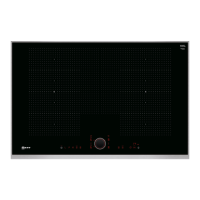
The control panel
Control panels
Pressing a symbol activates its corresponding function.
Note: Always keep the control surfaces dry. Moisture can affect
proper working.
The hotplates
Residual heat indicator
The hob has a residual heat indicator for each hotplate to show
those which are still hot. Avoid touching them when this
indicator is lit.
Although the hob is switched off, the indicator
œ or • will
remain on for as long as the hotplate is hot.
If the pan is removed before the hotplate is turned off, the
indicator
œ or • and the selected power level will appear
alternately.
Control panels
#
Main switch
$
Select the hotplate
A/@
Select settings
"
Cleaning lock function
‚
Childproof lock
˜
Powerboost Function
–
"Keep warm" function
3
Time program function
Indicators
‹
Functionality
‚-Š
Power levels
˜
Powerboost Function
•/œ
Residual heat
‹‹
Time program function
‚
Childproof lock
–
"Keep warm" function
x
Automatic shut-off
S
Timer
Hotplate Activating and deactivating
$
Single hotplate Use correctly-sized cookware.
æ/î
Grill zone The zone switches on automatically when a pan whose base is the same size as its
outer area is placed on it.
Only use cookware suitable for induction cooking; see the "Appropriate cookware" section.



 To Next Page