31Chapter 6 . Camera and Photos
Camera and Photos
Use multiple features of your camera to capture your precious moments.
• Camera at a glance
• Take a photo
• Record a video
• Shooting modes
• Camera and video settings
• Photos
6. 1 Camera at a glance
Launch your camera
• On the Home screen: Tap Camera.
• On the Lock screen: Just swipe up.
• On the off screen: Press the Volume-down button twice to snapshot.
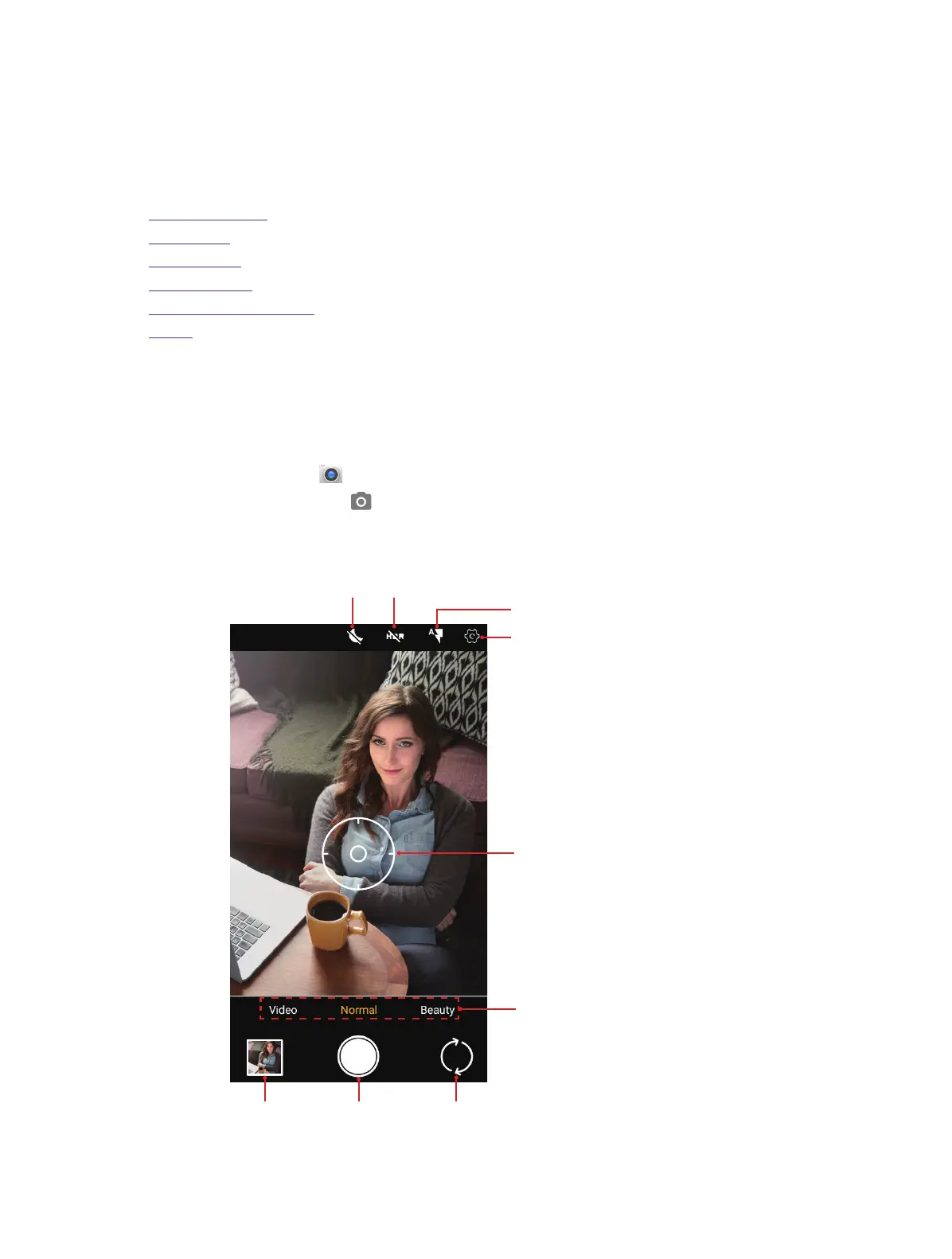
Camera screen
Focus mark
Flash mode
ew the photos and
Take a picture
Settings
Swipe right or left to change the
capture mode: video, normal, beaut
and panorama.
Toggle rear and front camera
6



 To Next Page