18Chapter 4 .
Calls
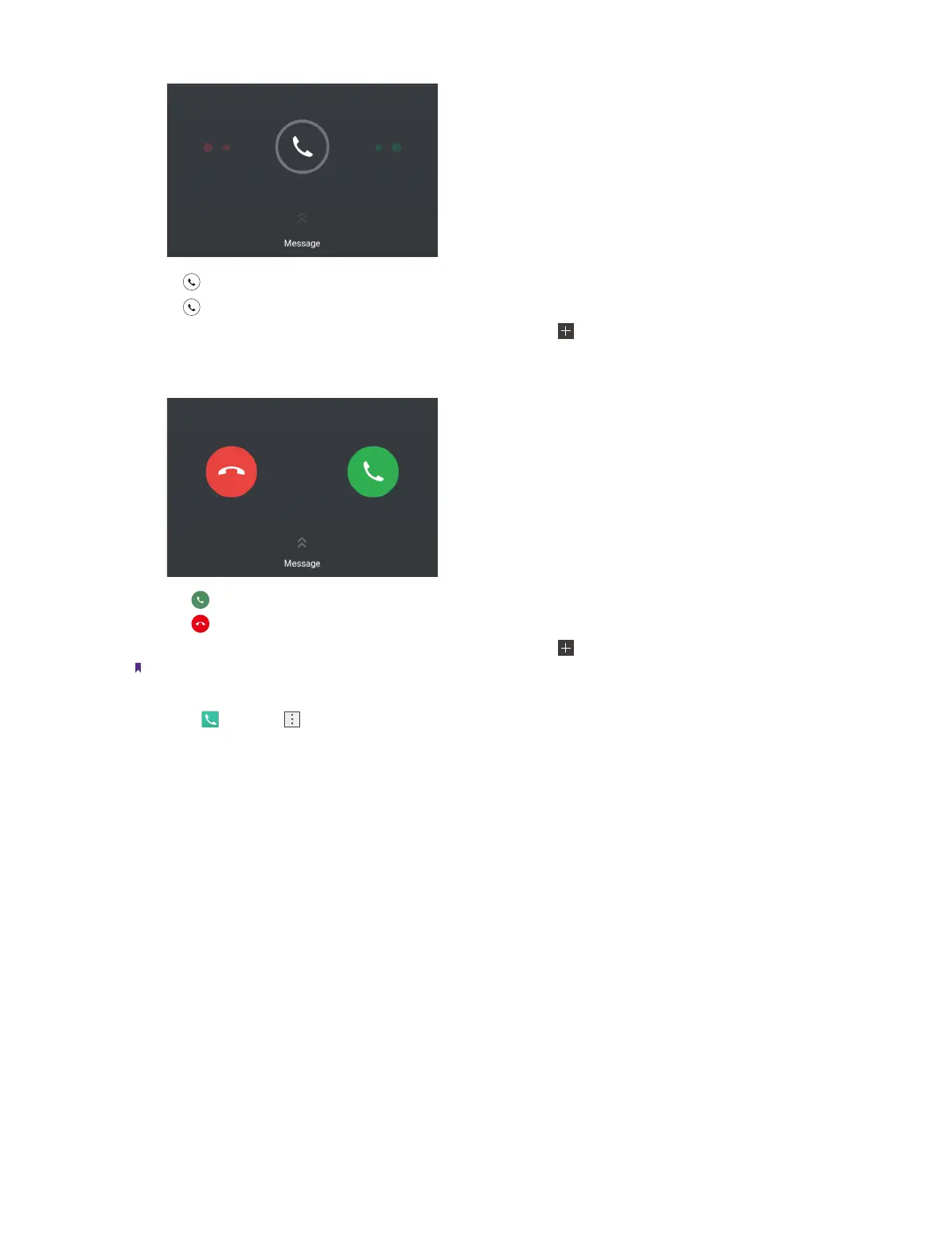
• Drag right to answer the call.
• Drag left to reject the call.
• Slide up Message to to reject the call and send SMS. You can tap to edit a new message and send out.
When the screen is unlocked:
• Touch to answer the call.
• Touch to reject the call.
• Slide up Message to to reject the call and send SMS. You can tap to edit a new message and send out.
Note:
1. When a call comes in, you can press the Volume button to mute the ringtone.
2. Go to Phone -> -> Settings -> Quick responses to edit the predefined text messages.
4. 3 Options during a call
Your phone provides a variety of functions that you can use during a call.
In-call menu
During a call, your phone will display an in-call menu.



 To Next Page