39Chapter 13 .
Tools
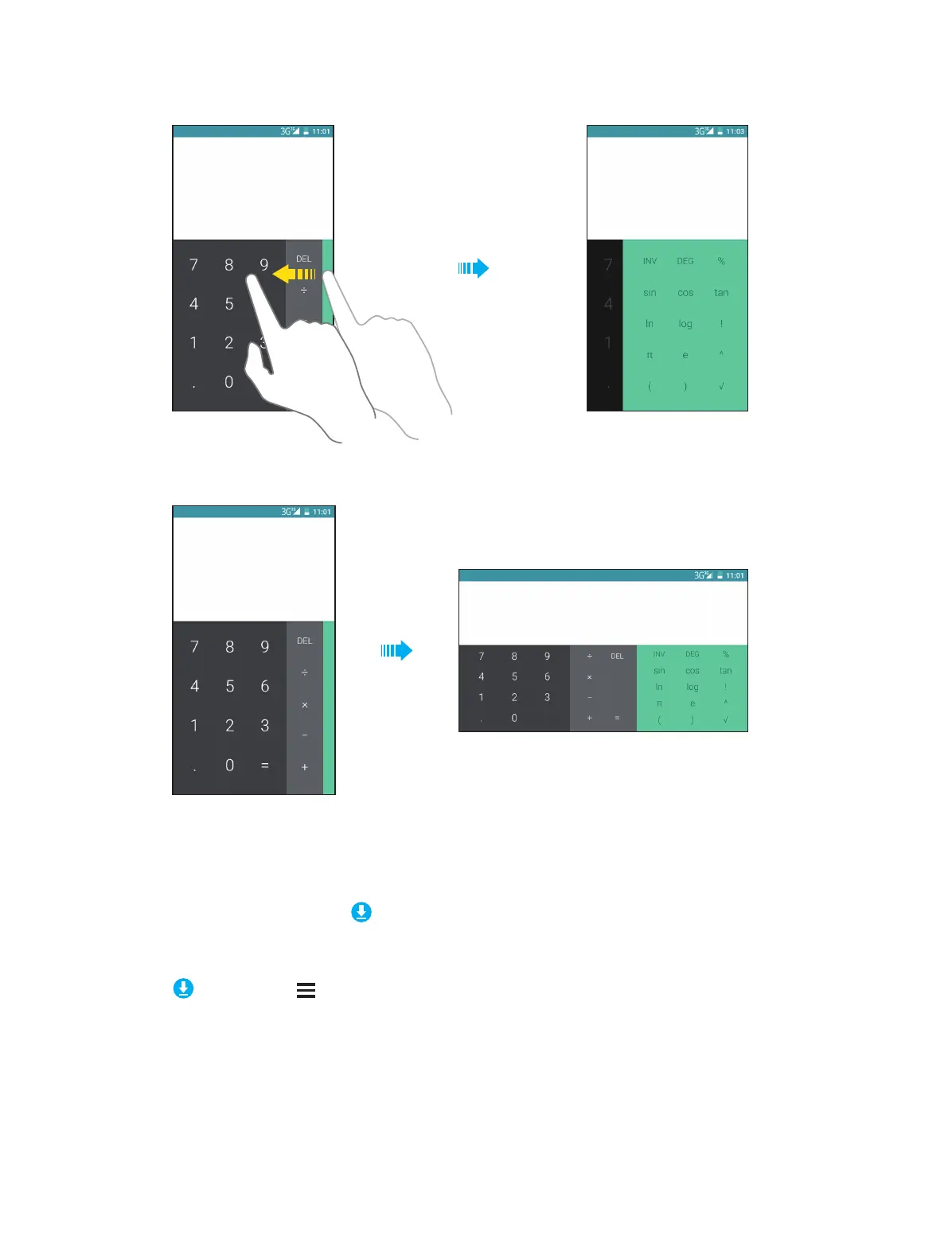
No.2
No.3
13. 2 Downloads
On the Home screen, tap Tools -> Downloads to view the downloaded and downloading information.
View files
Go to Downloads -> , you can:
• View images: Tap Images to view the pictures you have downloaded.
• View videos: Tap Videos to view the videos you have downloaded.
• View audio: Tap Audio to view the audio you have downloaded.
• View the recent downloads: Tap Recent to view the files you have downloaded recently.



 To Next Page