20 Nektar Impact iX49 & iX61 User Guide www.nektartech.com
USB Port Setup & Factory Restore
USB Port Setup
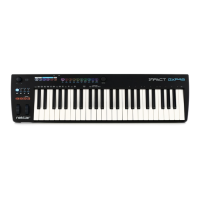
Impact iX49 has one physical USB port however there are 2 virtual ports as you may have discovered during the MIDI setup
of your music software. The additional port is used by the Impact DAW software to handle communication with your DAW.
You only need to change the USB Port Setup setting if the Impact iX49 setup instructions for your DAW specifically advises
that this should be done.
Factory Restore
If you need to restore factory settings for example if you by mistake managed to change the assignments needed for DAW
integration files, here is how you do that.
Make sure your Impact iX49 is switched off
Press the [Octave up]+[Octave down] buttons and hold them
Switch your Impact iX49 on



 To Next Page