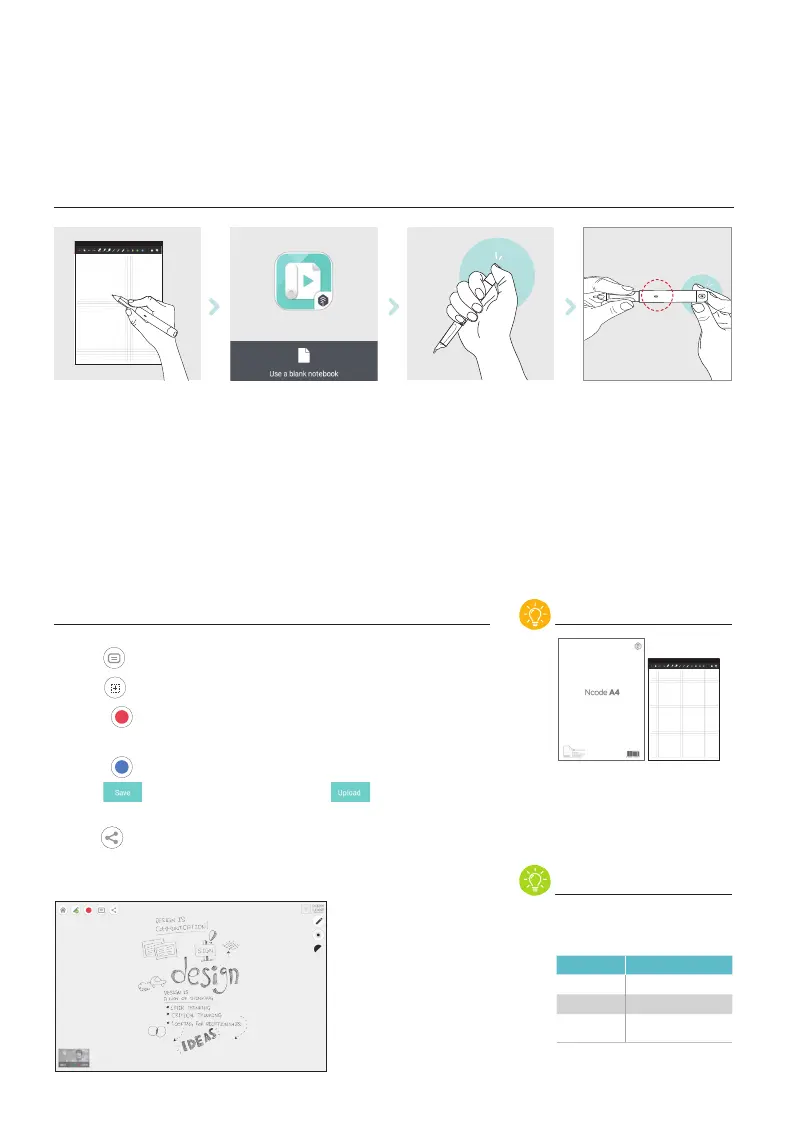
USE A BLANK NOTEBOOK
Connecting the pen to App
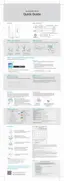
Prepare the note Open the app and select
‘blank notebook’
Turn on the pen and connect
to App
LED turn into green
when connected
Writing & Recording Tips!
Notice
1. Click , if you want to add a title in the beginning of your video.
2. Click
, if you want to add logo of your institute.
3. Touch
to start recording.
4. Create unique and professional contents with your handwritings.
5. Touch
to stop recording
6. Click
to save your video work, or click to upload it on
youtube directly.
7. Click
to share handwriting as PDF,PNG and JPG
Ncode A4, and other Ncode
imprinted papers work with
the app as well.
Plate works on ‘plate mode’
only.
Please check the storage of your
device before start recording.
Device Storage Minimum required storage
16 Gb 1 Gb
32 Gb 2 Gb
64 Gb or
above
4 Gb


 To Next Page