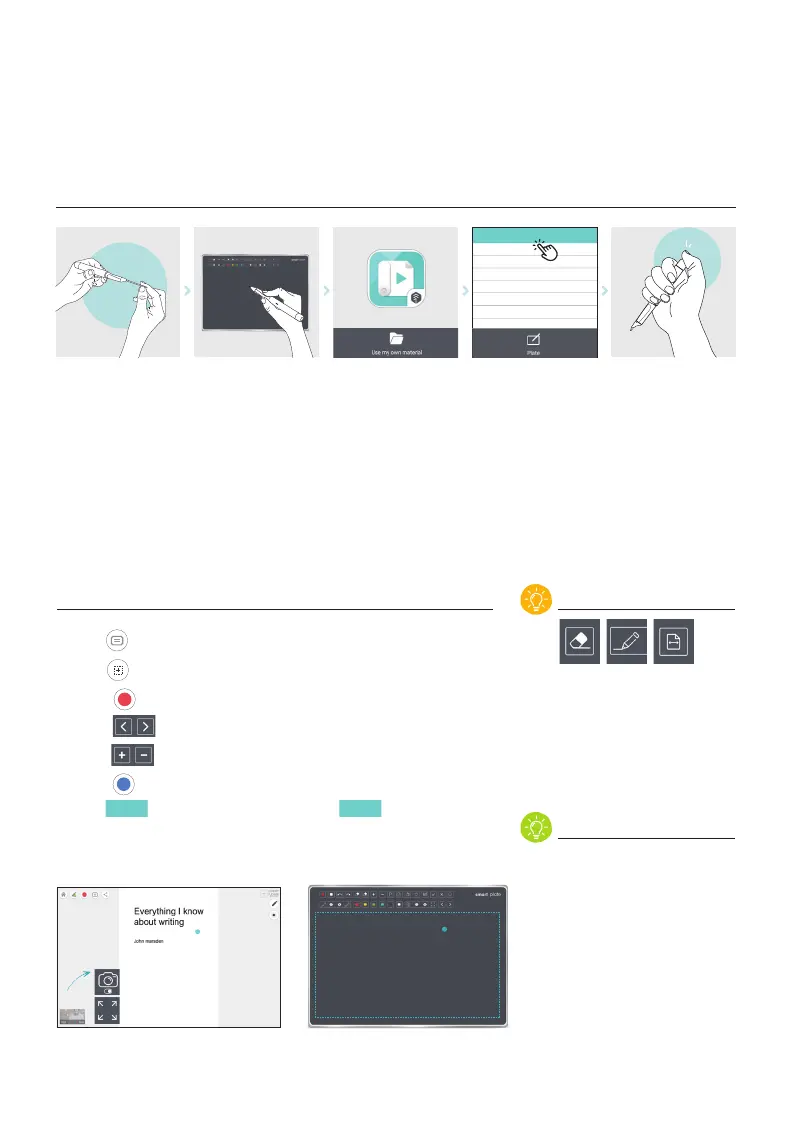
USE MY OWN MATERIAL_Plate mode
Connecting the pen to App
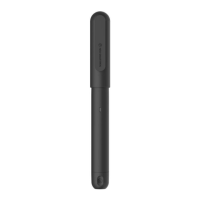
Change to stylus tip
Prepare the plate Select
‘use my own material’
Turn on the pen and
connect to App
Browse and select pdf.
Then, start plate mode
Writing & Recording
필기 & 영상 녹화
Tips!
Notice
1.
2.
1. Click , If you want to add a title in the beginning of your video.
2. Click
, If you want to add logo of your institute.
3. Touch
to start recording. Write and draw on the PDF with a Plate.
4. Touch
with a pen to move to previous/next page.
5. Touch
with a pen to zoom in and out the pages.
6. Touch
to stop recording
7. Click
share
to save your video work, or click
upload
to upload it on
youtube directly.
Icons on the plate help you to
control functions of the app
more easily.
Smart Class Note and other
notebooks does not work on
‘Plate mode’
If stylus tip is worn out, your
writing cannot be recognized.
Please change stylus tip and
try again.
showcase your story.pdf
make a video with a pen.pdf
<PaperTube App> <Smart Plate>
Position of the pen tip on the plate and
pointer on the display will be proportional.
Camere on/off
Full view


 To Next Page