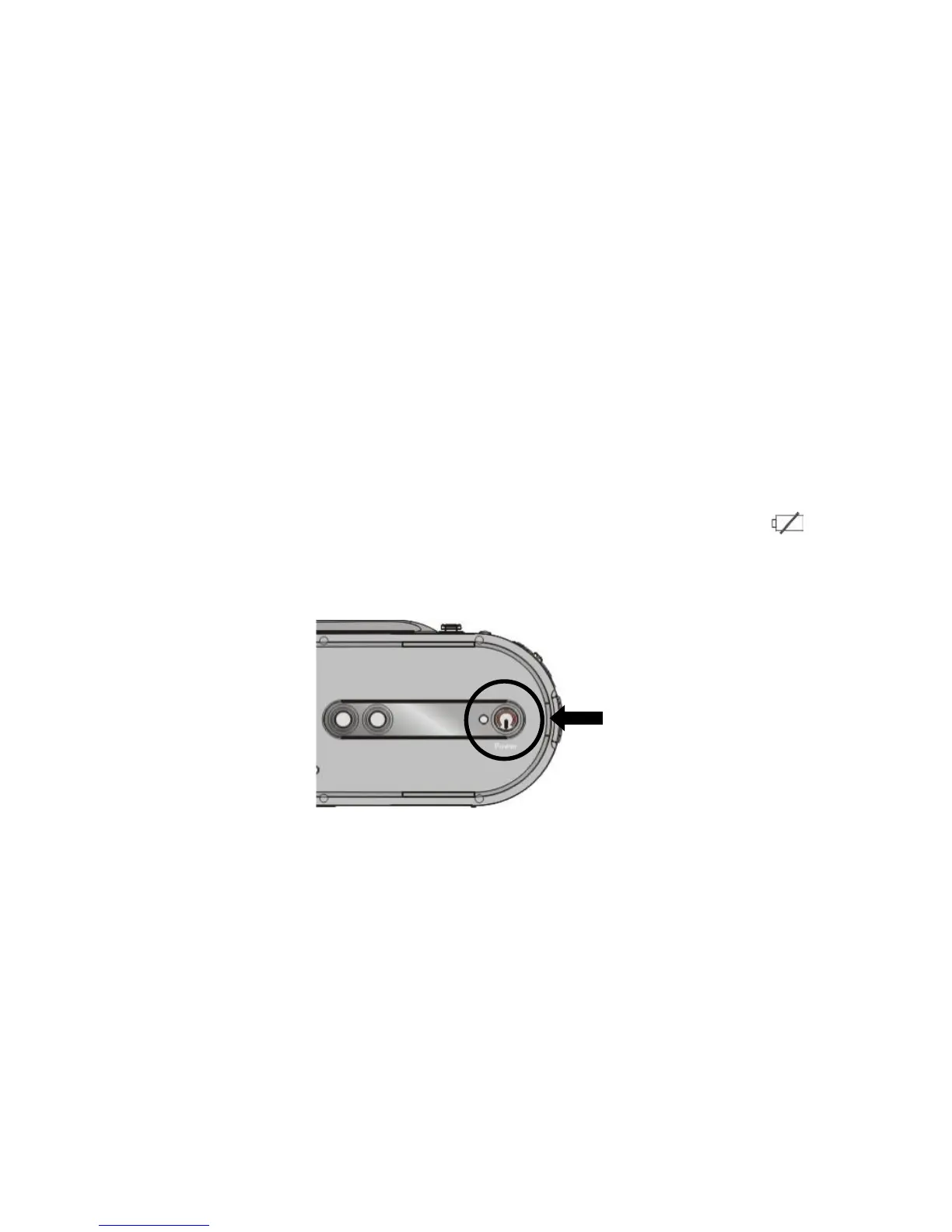
4. Power on and off
1. Power on: press the power button for a while.
2. Power off: press the power button once while camera is idle state.
Auto power off: The camera will automatically switch OFF if the camera is idle. The
automatic power off time can be set to 1/3/5 minute in setup menu mode.
3. Low power: While the battery power is very low and LCD display icon “ ”, the
camera will power off automatically


 To Next Page