:Indicates the SD card is locked.
11 :Battery icon. 12 :LED light icon 13 Zoom indicator.
Shooting:
1. Switch on the camera by pressing the power button.
2. Move the mode switch to Camera.
3. Press Shutter key once to snap one photo;
Note: If the memory card is locked, the LCD will display “Card Locked!” while the
Shutter key is pressed.
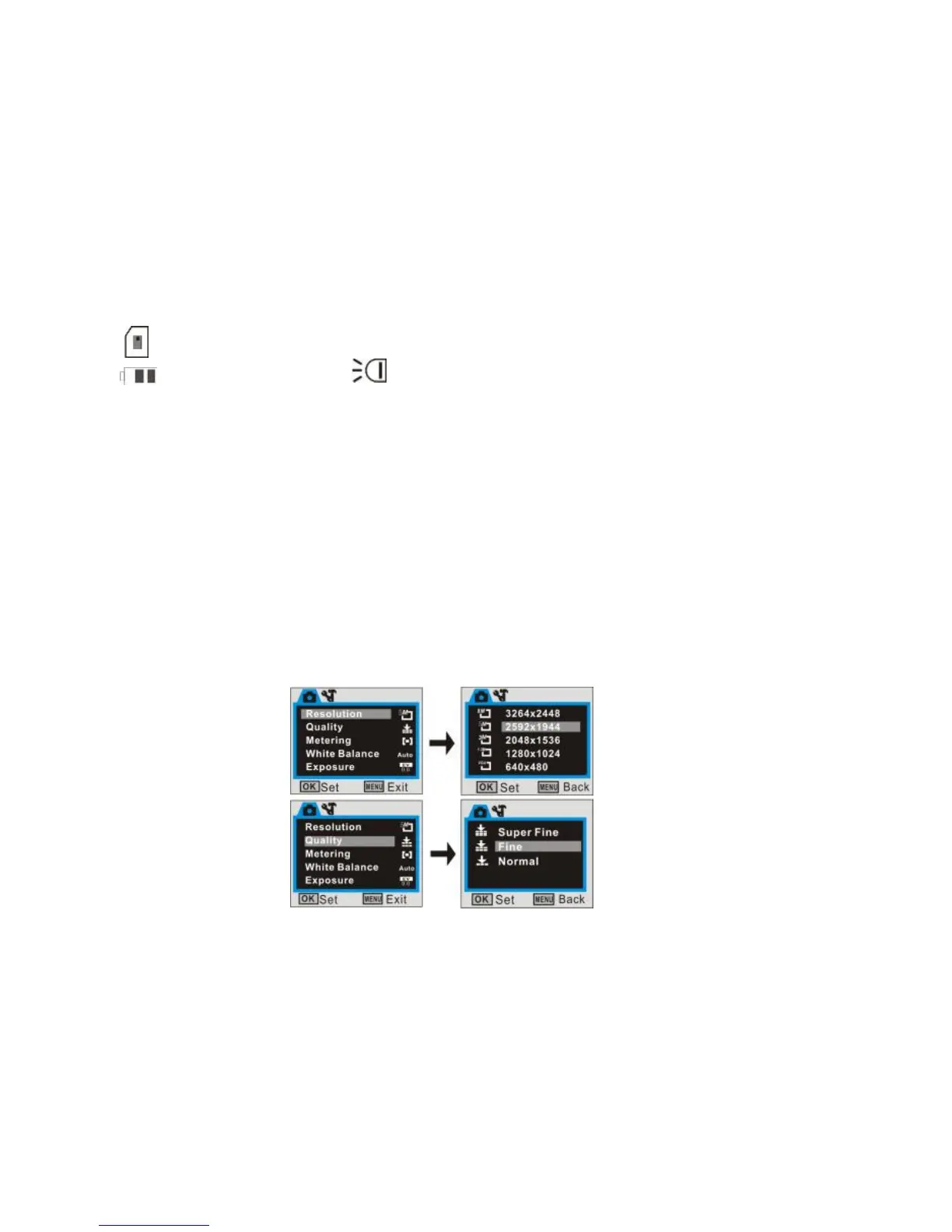
Camera mode menu:
At camera preview mode, press MENU key enter main menu:


 To Next Page