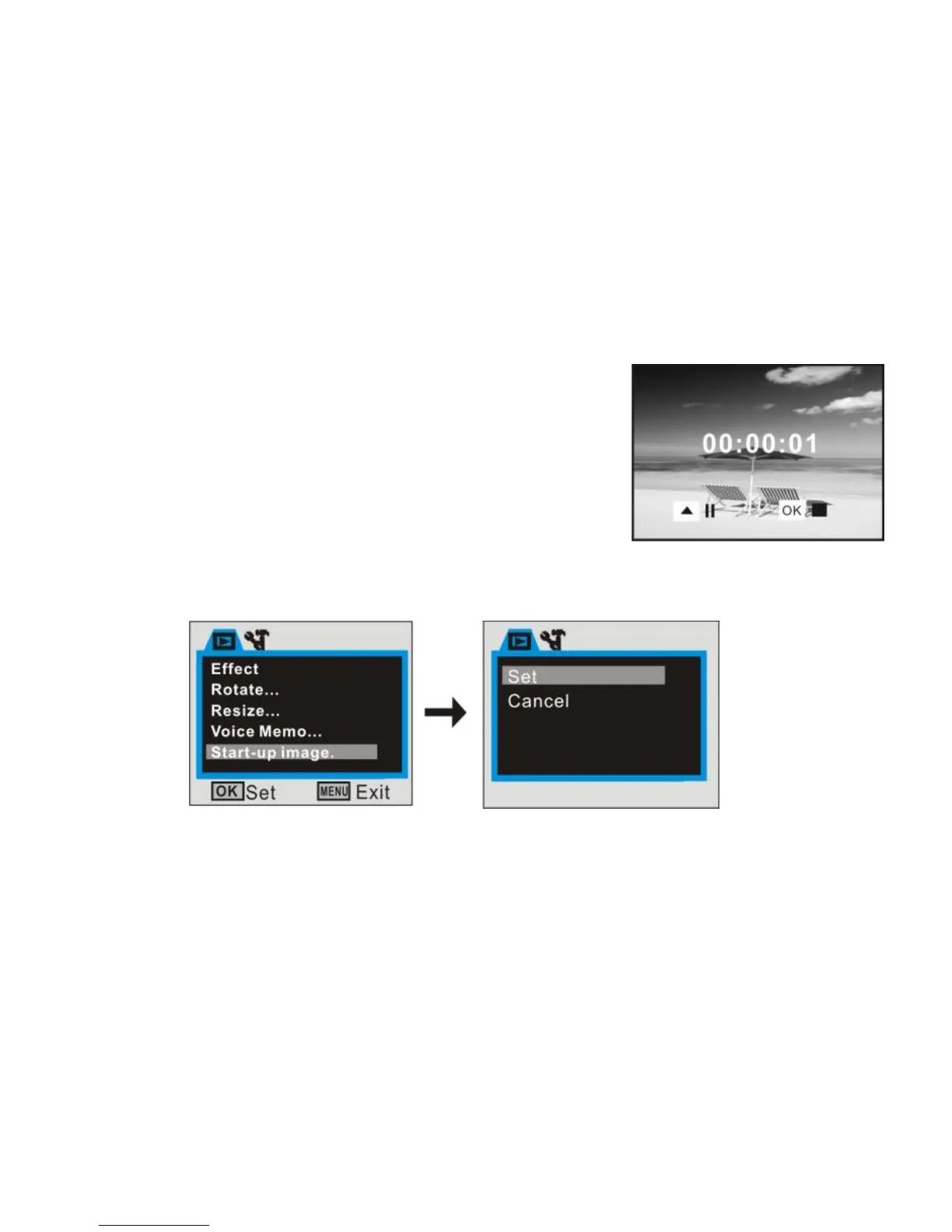
Play JPG (with voice memo) file
1 Select the photo with added voice memo at
playback mode by direction key;
2 Press OK key to start playing the selected jpg (with
voice memo) file:
3 Press up key to pause/resume playing, Press OK
key to stop playing,
Note: A photo of your choice can be used as the start-up image; the “My Image” function
in setup mode must be activated.


 To Next Page