Please restart your PC after installation.
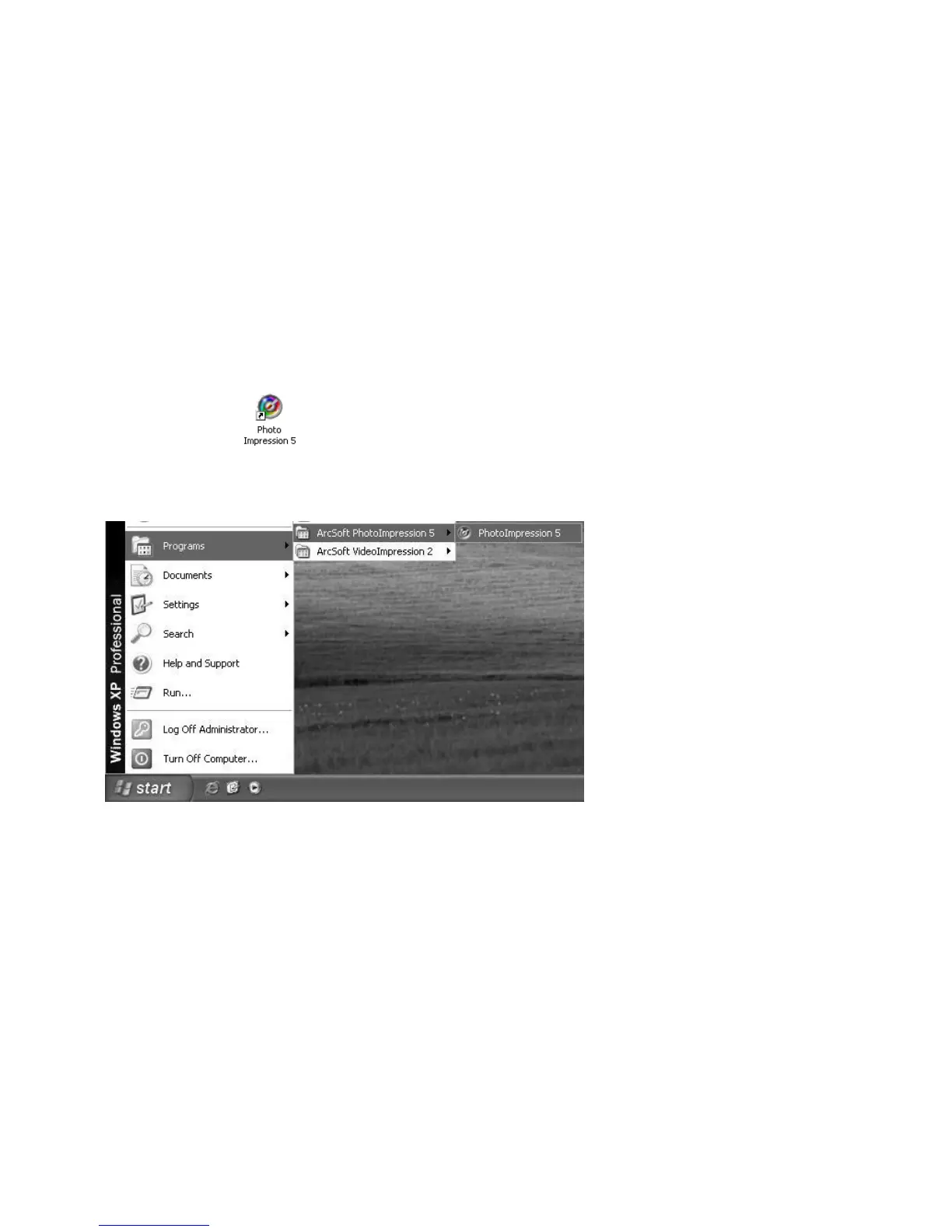
Running the PhotoImpression5:
Double-click the icon on the desktop, or run Photo Impression 5 in
“Start>Programs”.
The following window will pop up when opening PhotoImpression5. Please left-click the
center of the window to close it. Photo Impression can be opened after the window is
closed.


 To Next Page