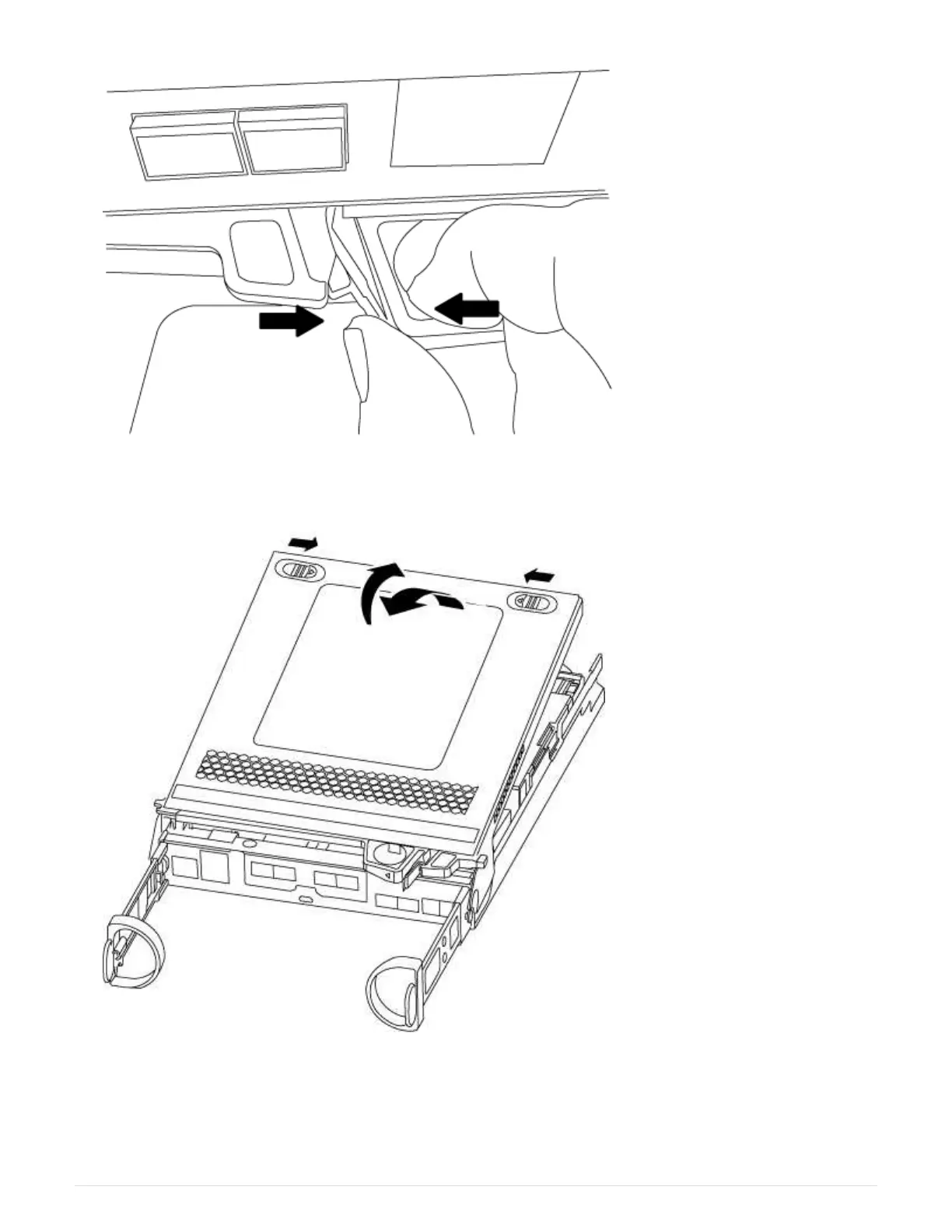
5. Turn the controller module over and place it on a flat, stable surface.
6. Open the cover by sliding in the blue tabs to release the cover, and then swing the cover up and open.
Step 3: Replace the NVMEM battery
To replace the NVMEM battery in your system, you must remove the failed NVMEM battery from the system
and replace it with a new NVMEM battery.
64












 To Next Page