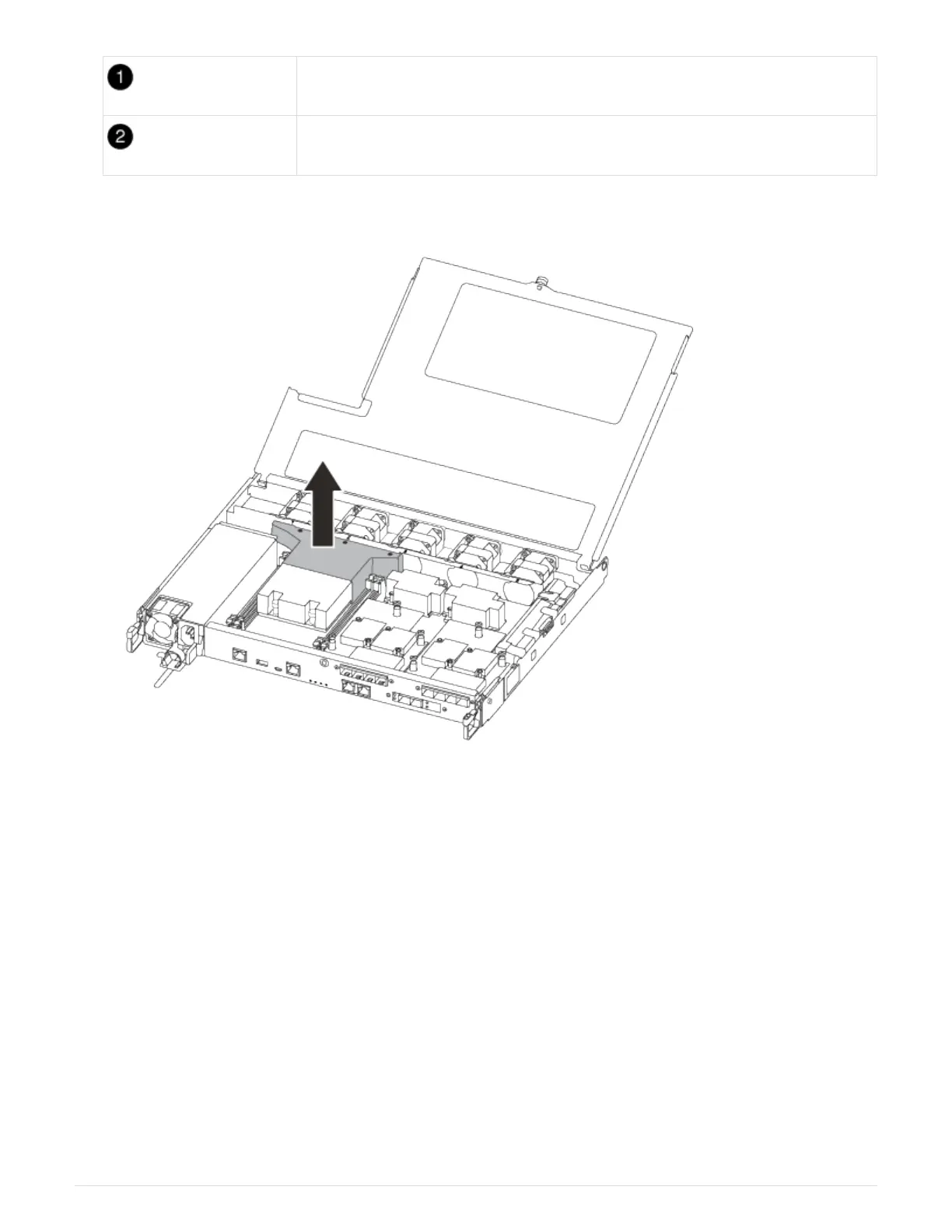
Thumbscrew
Controller module cover.
7. Lift out the air duct cover.
Step 2: Move the power supply
You must move the power supply from the impaired controller module to the replacement
controller module when you replace a controller module.
1. Disconnect the power supply:
a. Open the power cable retainer, and then unplug the power cable from the power supply.
b. Unplug the power cable from the power source.
2. Rotate the cam handle such that it can be used to pull power supply out of the controller module while
pressing the locking tab.
CAUTION:
The power supply is short. Always use two hands to support it when removing it from the controller module
so that it does not suddenly swing free from the controller module and injure you.
40












 To Next Page