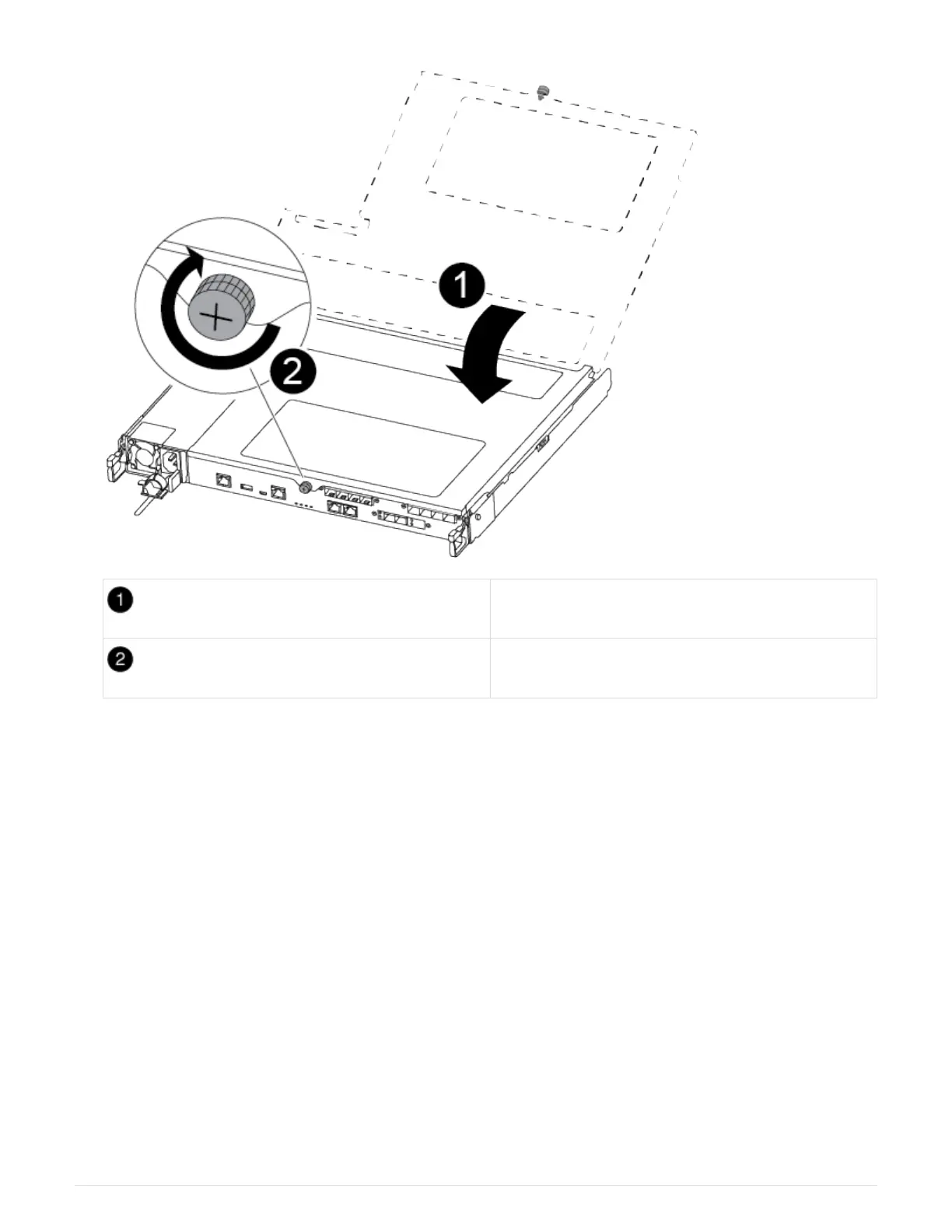
Controller module cover
Thumbscrew
2. Insert the controller module into the chassis:
a. Ensure the latching mechanism arms are locked in the fully extended position.
b. Using both hands, align and gently slide the controller module into the latching mechanism arms until it
stops.
c. Place your index fingers through the finger holes from the inside of the latching mechanism.
d. Press your thumbs down on the orange tabs on top of the latching mechanism and gently push the
controller module over the stop.
e. Release your thumbs from the top of the latching mechanisms and continue pushing until the latching
mechanisms snap into place.
The controller module begins to boot as soon as it is fully seated in the chassis. Be prepared to
interrupt the boot process.
The controller module should be fully inserted and flush with the edges of the chassis.
3. Cable the management and console ports only, so that you can access the system to perform the tasks in
the following sections.
82












 To Next Page