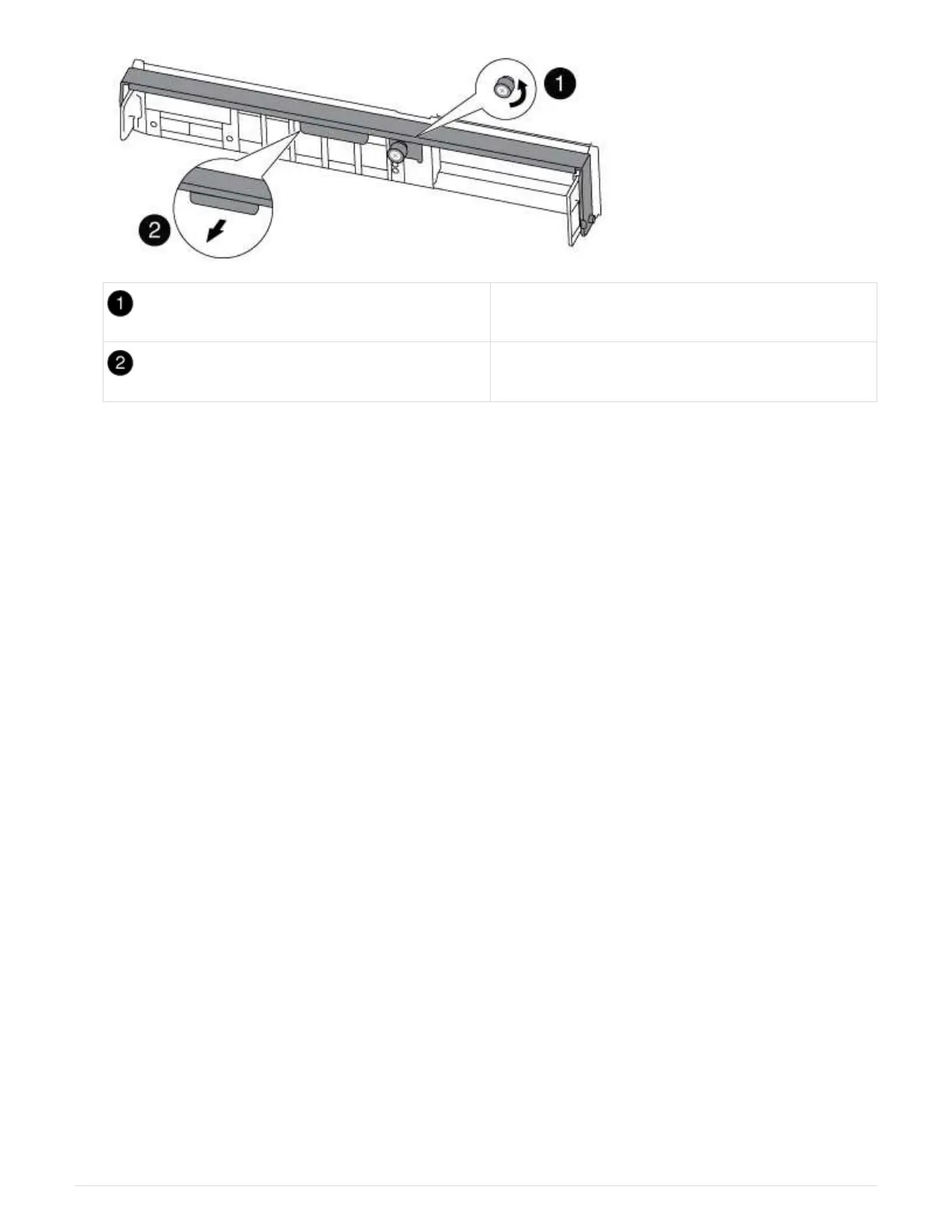
Thumbscrew
Cam handle
5. Pull the cam handle downward and begin to slide the controller module out of the chassis.
Make sure that you support the bottom of the controller module as you slide it out of the chassis.
Step 3: Replace the RTC Battery
To replace the RTC battery, locate them inside the controller and follow the specific
sequence of steps.
1. If you are not already grounded, properly ground yourself.
2. Locate the RTC battery.
108



 To Next Page