Step 5: Move a PCIe card
To move PCIe cards, locate and move them from the old controller into the replacement controller and follow
the specific sequence of steps.
You must have the new controller module ready so that you can move the PCIe cards directly from the old
controller module to the corresponding slots in the new one.
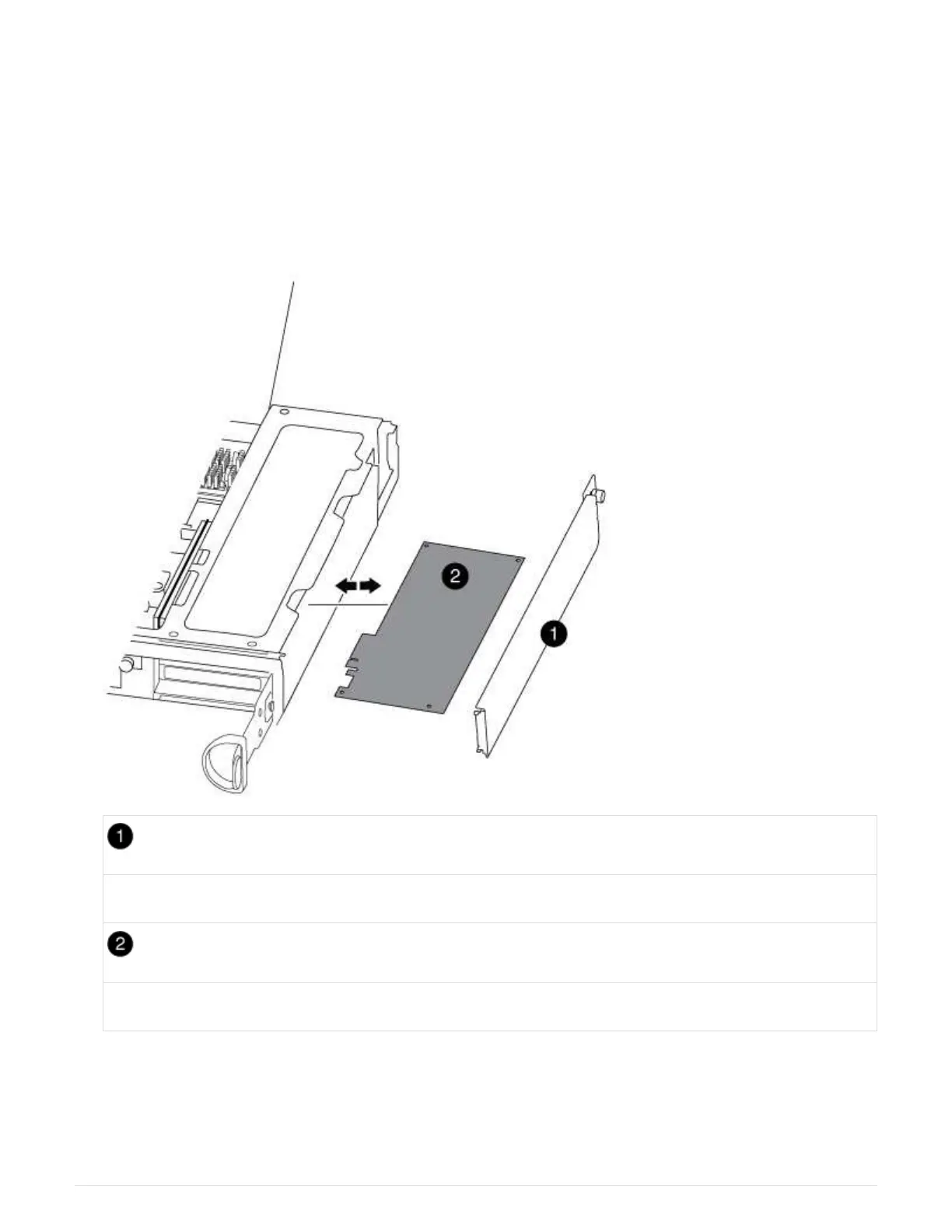
1. Loosen the thumbscrew on the controller module side panel.
2. Swing the side panel off the controller module.
Side panel
PCIe card
3. Remove the PCIe card from the old controller module and set it aside.
Make sure that you keep track of which slot the PCIe card was in.
4. Repeat the preceding step for the remaining PCIe cards in the old controller module.
51



 To Next Page