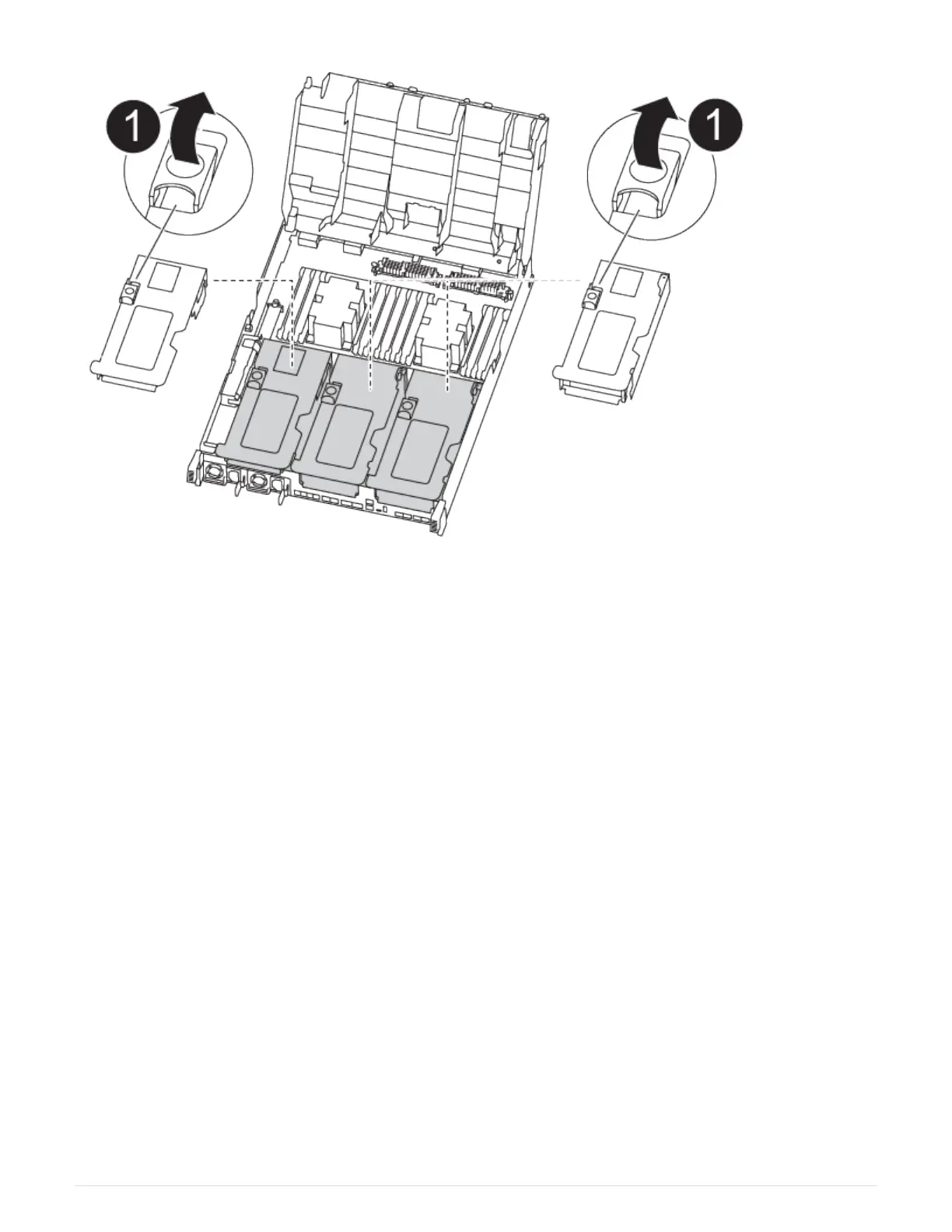
a. Press the locking tabs on the sides of the air duct in toward the middle of the controller module.
b. Slide the air duct toward the back of the controller module, and then rotate it upward to its completely open
position.
c. Rotate the riser locking latch on the left side of riser 1 up and toward air duct, lift the riser up, and then set it
aside.
d. Repeat the previous step for the remaining risers.
Step 2: Move the power supplies
You must move the power supply from the impaired controller module to the replacement
controller module when you replace a controller module.
You can use the following animation, illustration, or the written steps to move the power supplies to the
replacement controller module.
Moving the power supplies
1. Remove the power supply:
48












 To Next Page