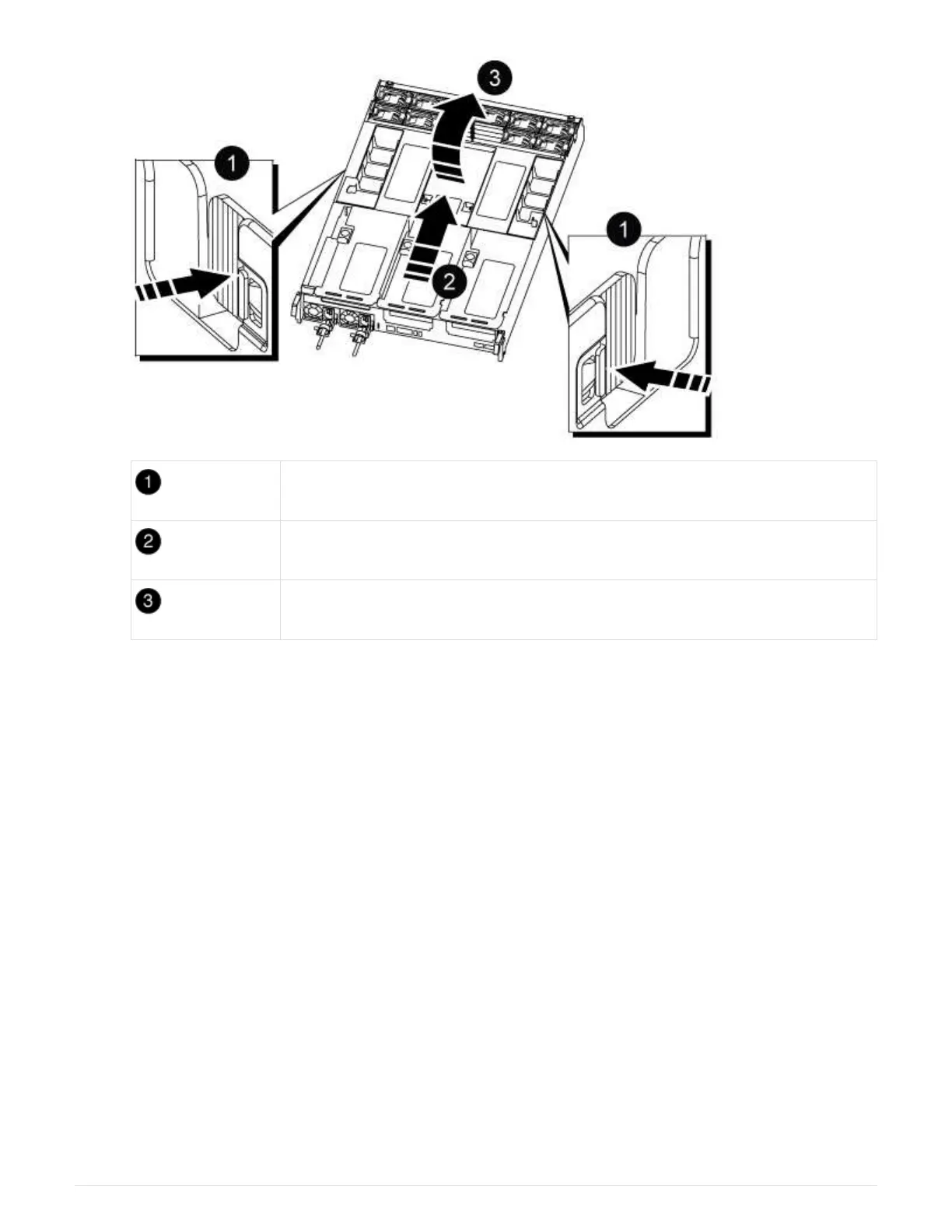
Air duct locking tabs
Slide air duct towards fan modules
Rotate air duct towards fan modules
Step 3: Replace a DIMM
To replace a DIMM, you must locate it in the controller module using the DIMM map label
on top of the air duct or locating it using the LED next to the DIMM, and then replace it
following the specific sequence of steps.
1. When removing a DIMM, unlock the locking latch on the applicable riser, and then remove the riser.
68











 To Next Page