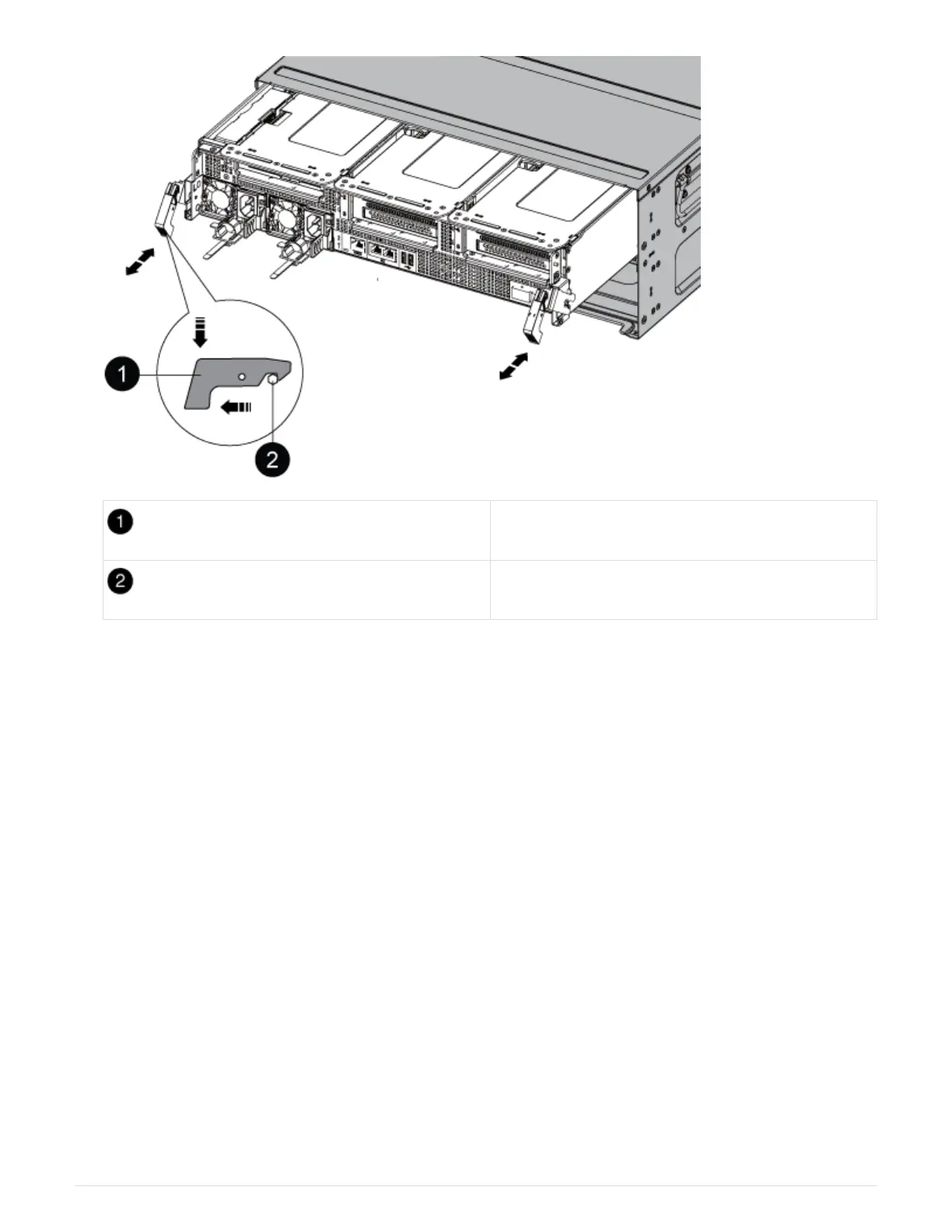
Locking latch
Locking pin
7. Slide the controller module out of the chassis.
Make sure that you support the bottom of the controller module as you slide it out of the chassis.
8. Set the controller module aside in a safe place.
Step 3: Replace the NVDIMM battery
To replace the NVDIMM battery, you must remove the failed battery from the controller
module and install the replacement battery into the controller module.
1. Open the air duct cover and locate the NVDIMM battery in the riser.
88











 To Next Page