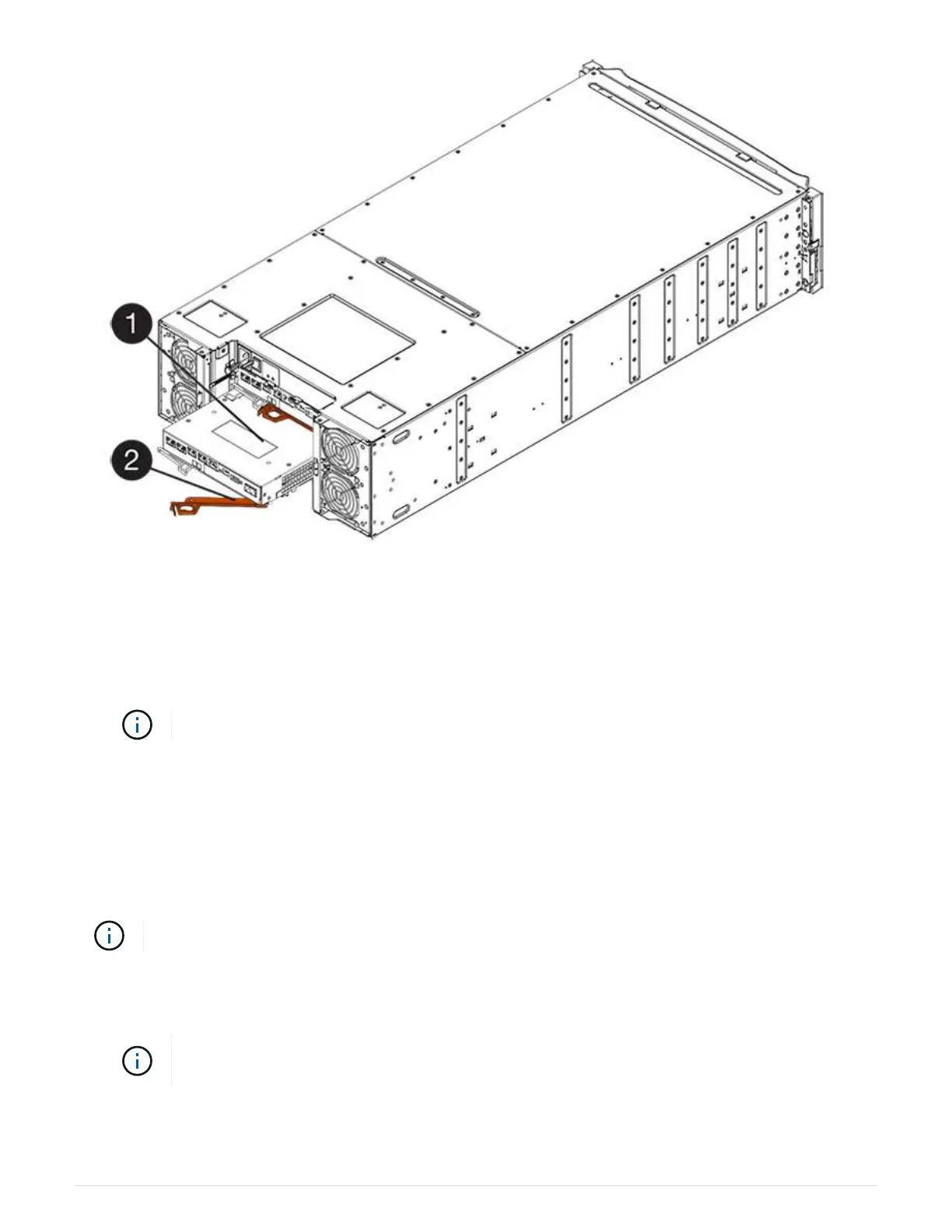
(1) Controller canister
(2) Cam handle
3. Move the cam handle to the left to lock the controller canister in place.
4. Reconnect all the cables you removed.
Do not connect data cables to the new HIC ports at this time.
5. (Optional) If you are adding HICs to a duplex configuration, repeat all steps to remove the second controller
canister, install the second HIC, and reinstall the second controller canister.
Step 5: Place controller online (duplex)
If you have a duplex configuration, bring the controller online to confirm the storage array is working correctly,
collect support data, and resume operations.
Perform this task only if your storage array has two controllers.
Steps
1. As the controller boots, check the controller LEDs and the seven-segment display.
The figure shows an example controller canister. Your controller might have a different
number and a different type of host ports.
When communication with the other controller is reestablished:
111



 To Next Page