3
Removing the Drive Drawer
In this procedure, you disconnect the drive drawer cables from the rear of the drive tray, and you remove
the drive drawer from the front of the drive tray.
NOTE The power canister and the fan canister are two separate canisters.
1 Put on antistatic protection.
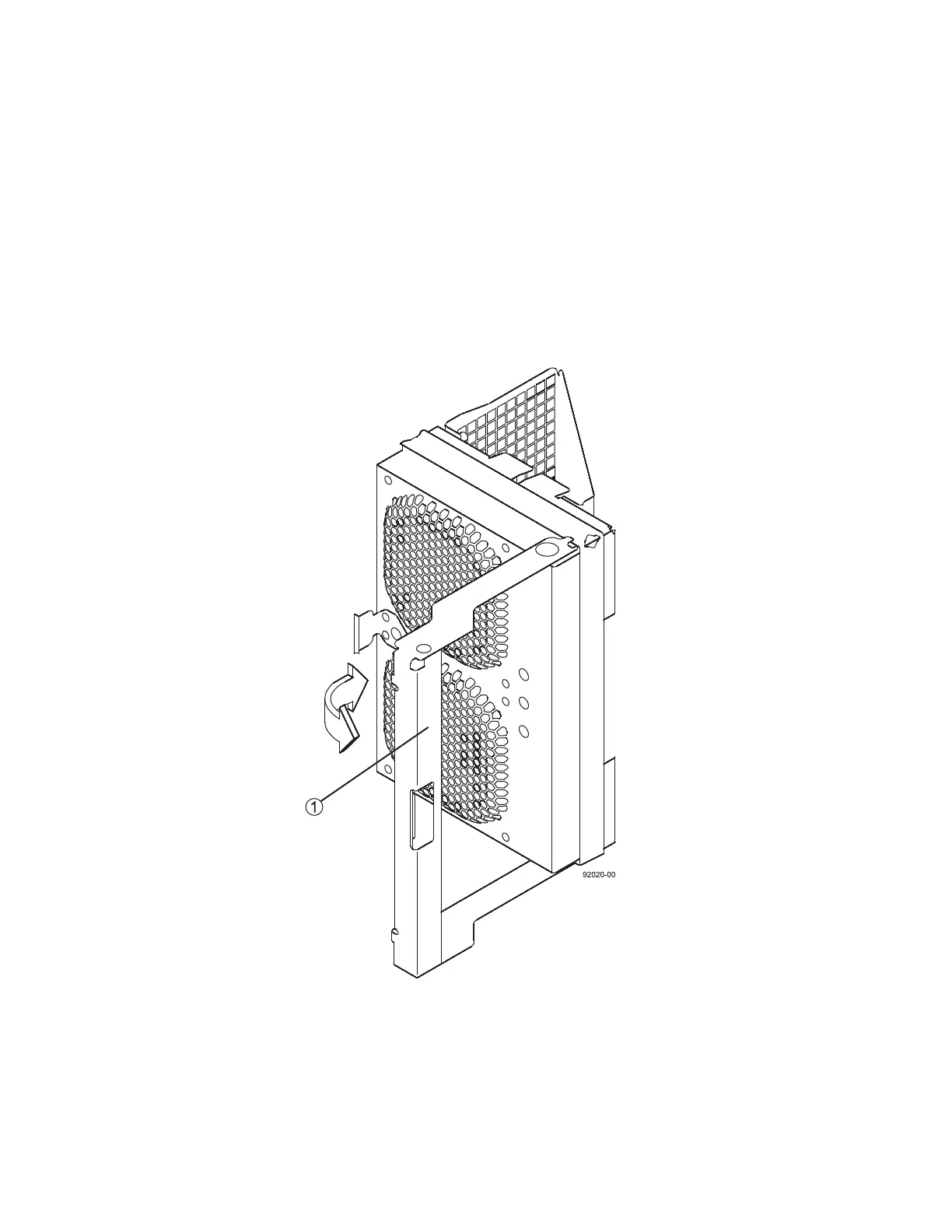
2 At the rear of the drive tray, remove the right fan canister (Figure 2) by pressing on the tab holding
the fan canister handle in place, and then pulling the fan canister handle toward you.
Figure 2 Right Fan Canister
1 Fan Canister Handle



 To Next Page