5
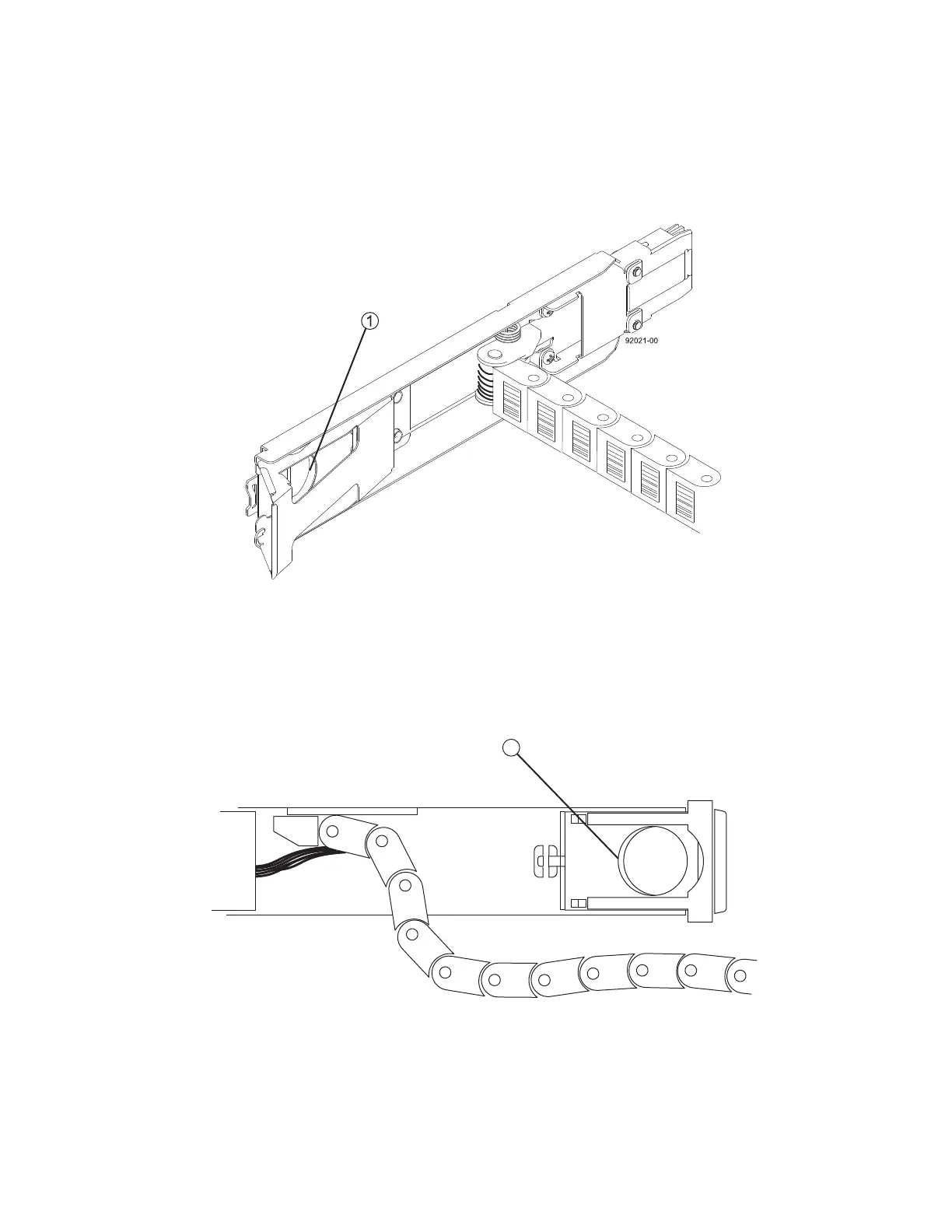
4 Disconnect the right cable chain mounting bracket from the midplane. Insert your finger into the
orange circle (Figure 4), and pull the mounting bracket completely out of the drive tray. If necessary,
use a flashlight to see the orange circle.
Figure 4 Mounting Bracket that Connects to the Midplane
1 Orange Circle
5 Disconnect the right cable chain mounting bracket from the drive drawer. Insert your finger into the
orange circle (Figure 5), and pull the mounting bracket completely out of the drive tray. Remove the
right cable chain.
Figure 5 Mounting Bracket that Connects to the Drive Drawer
1 Orange Circle



 To Next Page