Port Forwarding Configuration Guide – Vodafone MachineLink 5 of 12
November 2019 v. 2.1 vodafone.netcommwireless.com
Adding a Port Forwarding Rule
This guide will take you through the steps required to add a port forwarding rule to your router.
1 Open a web browser and navigate to the LAN IP address of your router. For the NTC-6000 Series, the default is http://192.168.20.1
.
For NTC-22x series, the default is https://192.168.1.1. For every other product, the default is http://192.168.1.1.
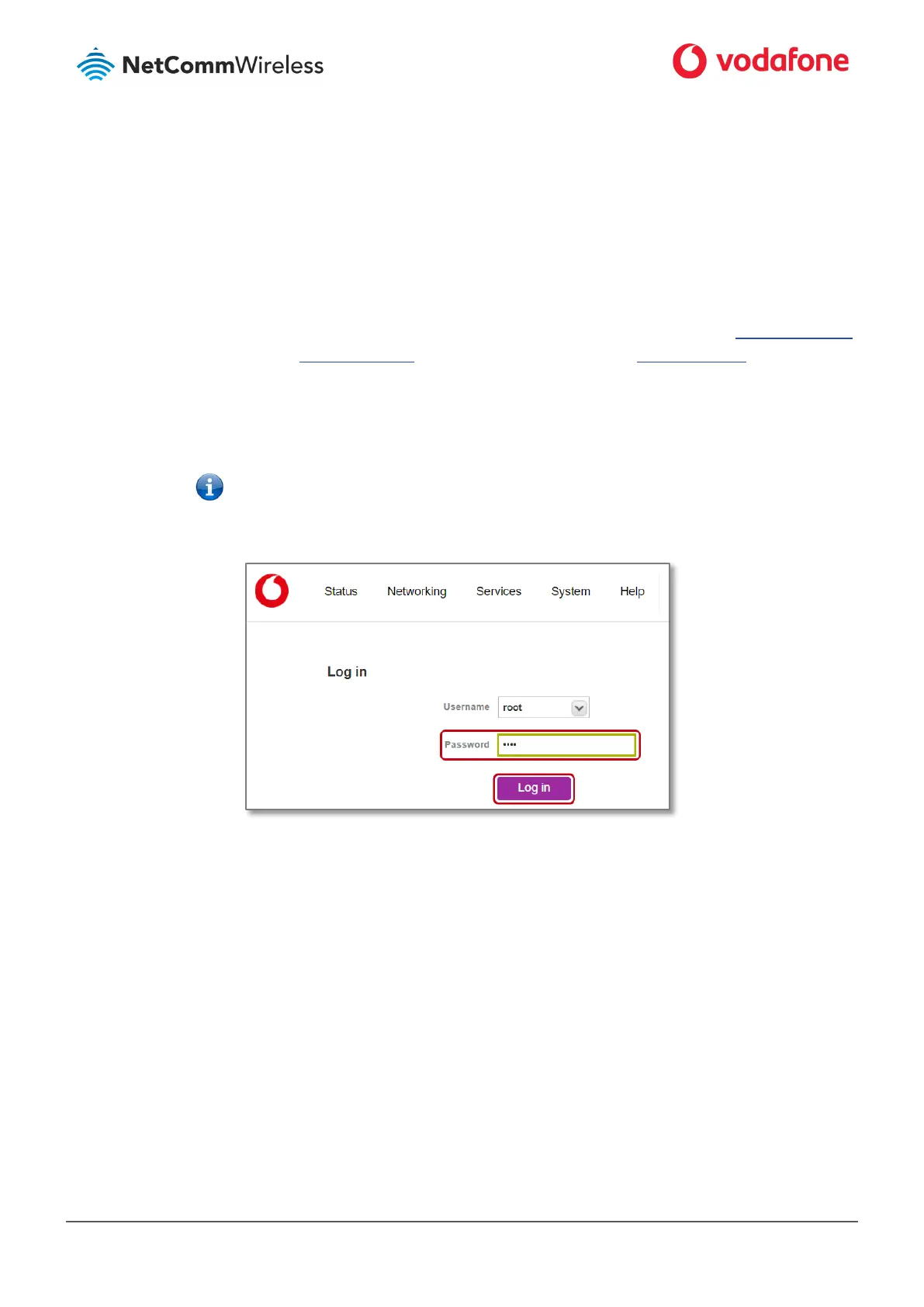
Login to the router with the following credentials:
2 Username: root
Password:
Note – Original factory password is printed on the device’s label on the underside of the router casing.
After the initial login you will be prompted to define your personal secure password.
Thereafter you must use that password to log in.
Figure 1: Login page
3 From the menu bar along the top of the screen, select Networking then from the left select the Routing menu followed by the
Port forwarding option.



 To Next Page