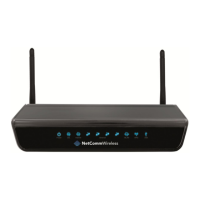
ADSL2+ Wireless N300 Modem Router with VoIP User Guide YML9WMAXXN
22 www.netcomm.com.au
7: Click Next to continue. To enable the wireless function, select the radio button (as shown), input a new SSID (if desired) and click
Next.
The following screen will be displayed.
8: The WAN Setup-Summary screen presents the entire conguration summary. After clicking Save/Reboot, the router will save the
conguration to ash memory and reboot. Click Back if you wish to modify the settings. The Web UI will not respond until the
system is brought up again. After the system is up, the Web UI will refresh to the Home screen automatically. The router is ready for
operation when the LED indicators display as described in Section 1.3
4.2.4 Bridging
Follow Steps 1 through to 3 of Manual Quick Setup
4: Select the Bridging radio button and click Next.



 To Next Page
 Loading...