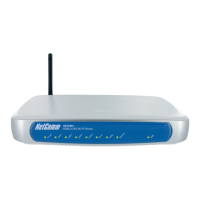
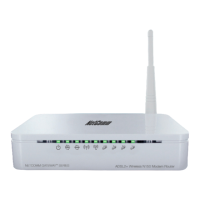
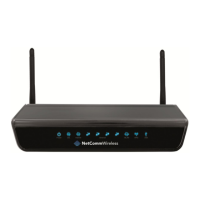
ADSL2+ Wireless N300 Modem Router with VoIP User Guide YML9WMAXXN
44 www.netcomm.com.au
7.6 Save and Reboot
The Save/Reboot button saves the congurations and reboots the router. After clicking it, wait for 2 minutes before attempting to use the
user interface. You may need to close and restart the web browser if it does not refresh automatically. You may need to recongure your
PC IP address to match your new conguration. In this case, see section 3.1 Conguring your computer for detailed instructions.



 To Next Page
 Loading...