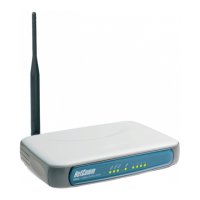
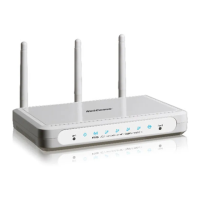
YML9WMAXXN ADSL2+ Wireless N300 Modem Router with VoIP User Guide
www.netcomm.com.au 41
NetComm Gateway
TM
Series - ADSL2+ Wireless N300 Modem Router with VoIP
7.2 SNMP
The Simple Network Management Protocol (SNMP) allows a network administrator to monitor a network by retrieving settings on remote
network devices. To do this, the administrator typically runs an SNMP management station program such as MIB browser on a local host
to obtain information from the SNMP agent, in this case the NB9WMAXXn (if SNMP enabled). An SNMP ‘community’ performs the function
of authenticating SNMP trafc. A ‘community name’ acts as a password that is typically shared among SNMP agents and managers.
To enable SNMP, change the setting for “SNMP Agent” to “Enable”.
Field Means
Read Community Read device settings.
Set Community Read and change device settings.
System Name Default = NB9WMAXXn.
System Location User-dened value.
System Contact User-dened value.
Trap Manager IP IP Address of admin machine.



 To Next Page
 Loading...