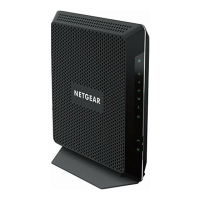
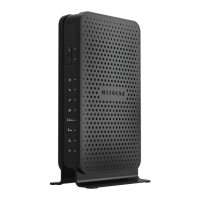
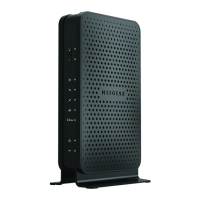
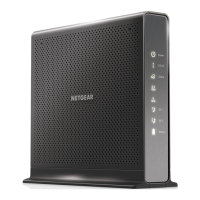
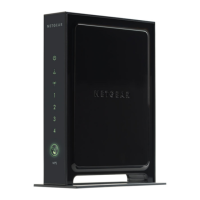
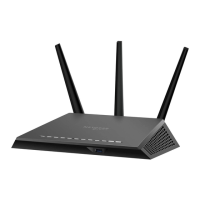
NETGEAR Certified Refurbished C6300-100NAR DOCSIS
3.0 WiFi Cable Modem Router with AC1750 16x4 download
speeds. Certified for Xfinity from Comcast, Spectrum, Cox,
Cablevision & more
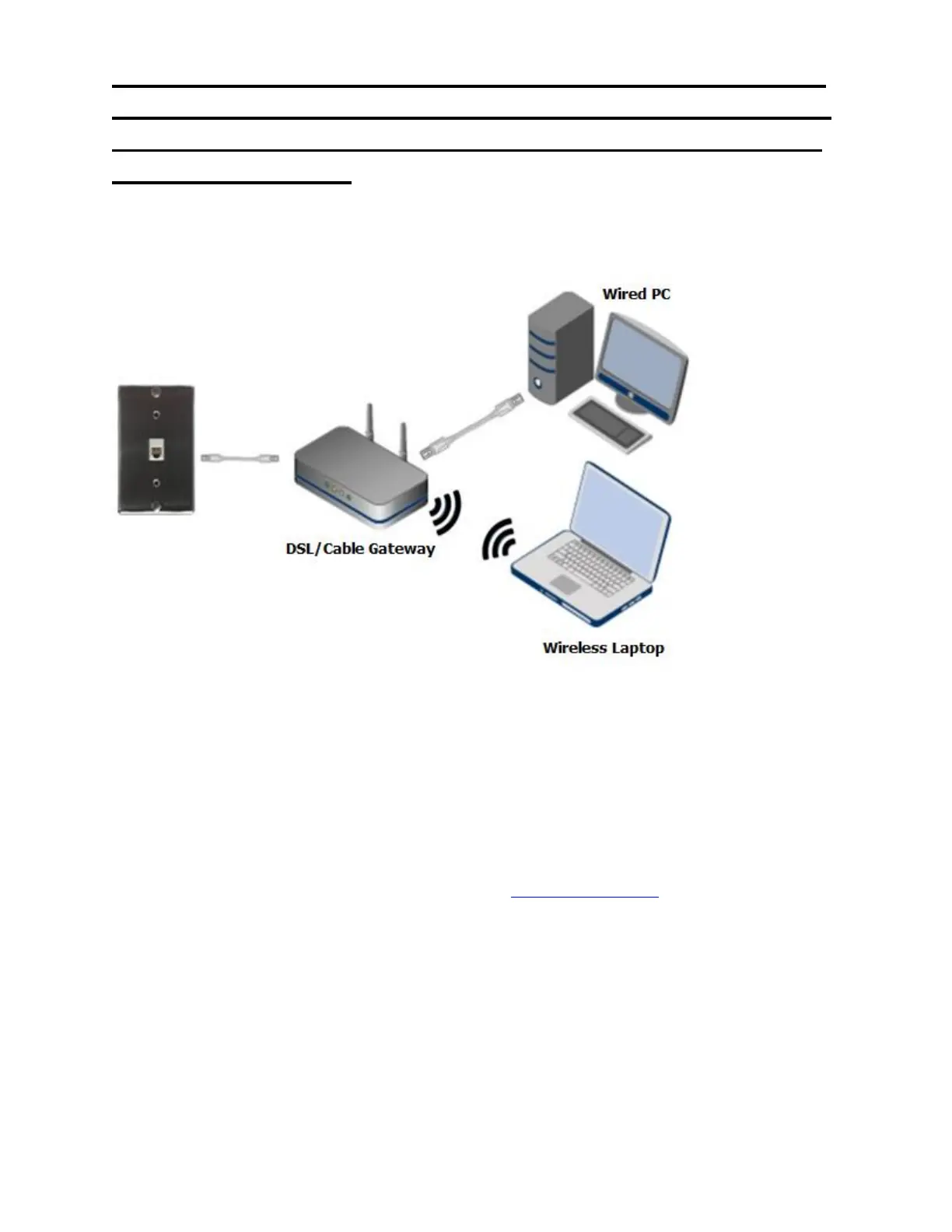
Scenario 2: You are using only a DSL/Cable gateway (modem router).
1. Turn off or shut down all your networking devices (DSL/Cable Gateway, and Wired &Wireless
devices).
2. Turn on the DSL/Cable gateway first and let it boot up. This might take a couple of minutes while
the DSL/Cable gateway is syncing with your ISP to establish a connection. In most cases, all the
LED lights will remain stable, however, always refer to the user manual of
the DSL/Cable gateway to verify the status of the LED lights.
3. Once the DSL/Cable gateway completes the connection to your ISP, turn on the wired & wireless
devices.
If you are still experiencing connectivity issues, visit NETGEAR support to speak with an
expert.
What is the difference between 2.4 GHz and 5 GHz wireless
frequencies?


 To Next Page
 Loading...