15
2. Set up and register your router:
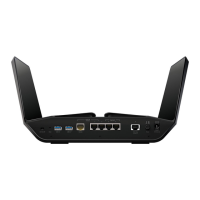
a. Connect a USB storage device to a USB port on your router.
b. Launch a web browser from a computer or WiFi device that is
connected to the network and visit www.routerlogin.net.
The BASIC Home page displays.
c. Select ReadySHARE.
The USB Storage (Basic Settings) page displays.
d. Select the ReadyCLOUD radio button.
The ReadyCLOUD page displays.
e. Enter your ReadyCLOUD user name and password and click the
Register button.
The router is now registered with your ReadyCLOUD account.
3. After registration, visit readycloud.netgear.com and use your
ReadyCLOUD user name and password to sign in to your account.
The ReadyCLOUD page displays the router that you registered and the
contents of the USB storage device that is connected to the router.

 To Next Page
 Loading...