EasyManua.ls Logo

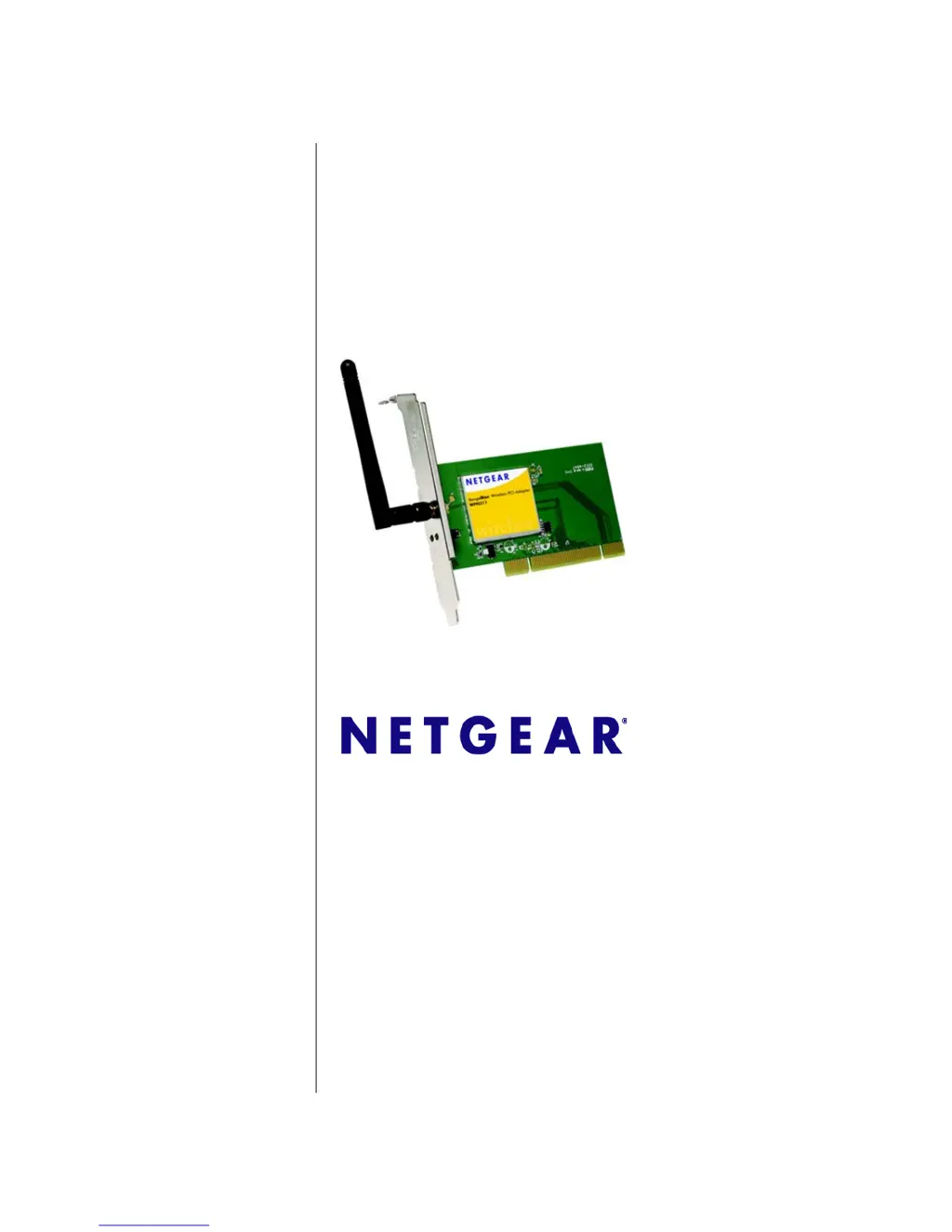
NETGEAR RangeMax WPN311 - User Manual

NETGEAR RangeMax WPN311
56 pages
Print Icon
To Next Page IconTo Next Page
Loading...
202-10075-03
January 2007
NETGEAR, Inc.
4500 Great America Parkway
Santa Clara, CA 95054 USA
NETGEAR RangeMax
Wireless PCI Adapter
WPN311 User Manual

Table of Contents

Other manuals for NETGEAR RangeMax WPN311

Questions and Answers

  • V
    vallenJul 26, 2025
    What to do if NETGEAR PCI Card connects to access point but not internet?
    • J
      John CruzJul 26, 2025
      If your NETGEAR PCI Card connects to the access point but not to the other computers on the network or the Internet, check that the access point is physically connected to the Ethernet network. Also, ensure that the IP addresses and Windows networking parameters are configured correctly. Restarting the cable or DSL modem, router, access point, and computer may also resolve the issue.
  • W
    wlongJul 31, 2025
    Why NETGEAR RangeMax WPN311 PCI Card wireless LED blinks but won't connect to access point?
    • A
      Alexander LeeJul 31, 2025
      If the wireless LED on your NETGEAR PCI Card blinks but it's not connecting to an access point, the access point may not be powered on, so check that first. Another reason might be that the access point and the WPN311 are not configured with the same wireless parameters. Check the SSID and wireless security settings to ensure they match.
  • C
    Christina HarrisAug 4, 2025
    How to fix NETGEAR RangeMax WPN311 PCI Card when the LED is not lit?
    • J
      John KirkAug 4, 2025
      If the LED on your NETGEAR PCI Card is not lit, the WPN311 might not be installed properly in the PCI slot, or the software isn't loaded. Try removing and reinstalling the WPN311. Check the Windows device manager to see if the WPN311 is recognized and enabled. If necessary, reload the WPN311 software. You can also try installing the WPN311 in a different PCI slot in your computer if one is available.
  • A
    Amy GregoryAug 10, 2025
    What to do if NETGEAR RangeMax WPN311 has no IP address?
    • C
      Chad CastroAug 10, 2025
      If no IP address is assigned to your NETGEAR PCI Card, this may occur if you upgraded your WPN311 Wireless PCI Adapter software and did not reboot your system. Either restart your computer, or connect to a different access point.
  • D
    Dominic HolmesAug 14, 2025
    Why does NETGEAR RangeMax WPN311 Smart Wizard keep asking to save settings?
    • H
      hudsonrebeccaAug 15, 2025
      To avoid the prompt from the NETGEAR PCI Card Smart Wizard to save settings, simply click Apply before you close the Smart Wizard.
  • M
    Maria TravisAug 20, 2025
    Why are there two NETGEAR PCI Card icons in the system tray?
    • P
      Peter CardenasAug 20, 2025
      If there are two NETGEAR PCI Card icons in the system tray, you likely have an older software version installed that needs to be removed. See “Removing the WPN311 Software” in Chapter 1 or “Upgrading the WPN311 Software” in Chapter 1.

Summary

Chapter 1 Basic Setup

Default Settings and Installation

Describes default wireless settings and the step-by-step installation process.

Chapter 2 Network Connections and Wireless Security

Profile Management and Setup

Covers creating, managing, and setting up network profiles for different connection types.

WEP Security Setup

Step-by-step guide for configuring WEP encryption and key settings.

WPA2-PSK Security Setup

Detailed instructions for setting up WPA2-PSK security with a passphrase.

WPA-PSK Security Setup

Guide for configuring WPA-PSK security and passphrase.

Chapter 3 Wireless Network Performance

Chapter 4 Troubleshooting

Troubleshooting Tips

Common problems and their solutions for the wireless adapter.

Appendix A Technical Specifications

NETGEAR RangeMax WPN311 Specifications

Network Specifications IconNetwork Specifications
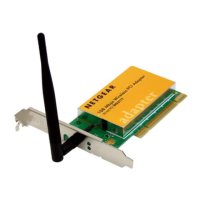
network speeds1, 2, 5.5, 6, 9, 11, 12, 18, 24, 36, 48, 54 & 108 Mbps
frequency (US)2.412 ~ 2.462 GHz
frequency (Japan)2.412 ~ 2.472 GHz
Physical Specifications IconPhysical Specifications
dimensions (without antenna)132.8(l) x 21.8(w) x 121(h) mm, 5.23(l) x 0.86(w) x 4.76(h) in
weight125 g

Related product manuals