Disable the idle time-out for the management WiFi network. 47
Disable the management WiFi network.................................... 48
Change the AP’s device name........................................................ 49
Chapter 5 Manage Advanced WiFi Settings
Hide the name of a user WiFi network........................................... 52
Isolate clients of a user WiFi network............................................. 53
Enable L2 isolation for a user WiFi network and optionally set
exceptions.......................................................................................... 54
Enable VLAN isolation for a user WiFi network and set a VLAN
ID......................................................................................................... 56
Configure band steering for a user WiFi network........................ 57
Enable fast roaming for a user WiFi network................................ 58
Configure traffic shaping for a user WiFi network........................ 60
Manage access to a user WiFi network based on a client’s MAC
address............................................................................................... 61
Manually block a WiFi client from a user WiFi network............... 63
Remove a WiFi client from an access control list.......................... 65
Set up a network access server for RADIUS for a user WiFi
network............................................................................................... 66
Set up a RADIUS accounting server for a user WiFi network...... 67
Set up a WiFi on/off schedule for a user WiFi network................ 69
Change the DHCP server settings for guest WiFi networks........ 71
Chapter 6 Manage the WiFi Radio Settings
Change the country and region of operation............................... 74
Manage the channel high throughput mode................................ 75
Manage the WiFi channels............................................................... 76
Manage the radio transmit power.................................................. 78
Change the minimum bit rate......................................................... 79
Manage client limits.......................................................................... 80
Chapter 7 Maintain the AP
Update the AP firmware................................................................... 84
Check for new firmware and update the AP............................. 84
Manually update the AP firmware.............................................. 85
Manage the firmware update settings....................................... 86
Back up or restore the configuration file....................................... 87
Back up the AP configuration settings....................................... 87
Restore the AP configuration settings....................................... 88
Change the AP device password and idle session time-out
period................................................................................................. 89
Manage the date and time settings................................................ 91
Restart the AP from the device UI................................................... 92
4
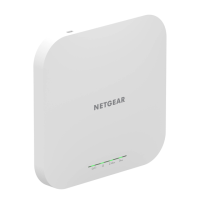
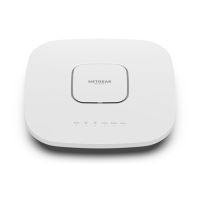
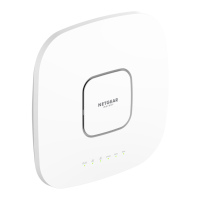
AX1800 Dual Band PoE WiFi 6 Access Point Model WAX210


 To Next Page