1. Connect the access point to a PoE+ switch
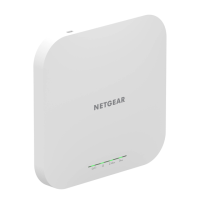
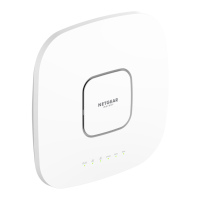
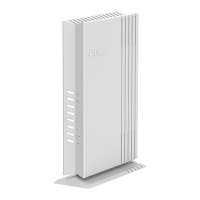
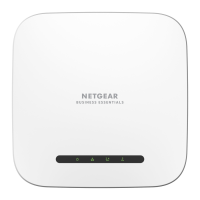
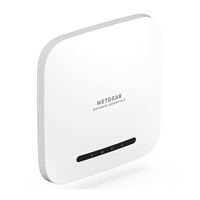
Power up the WAX620 access point (AP) by connecting the LAN/PoE+ port to a PoE+
switch that supplies 802.3at (PoE+) power.
Make sure that the AP has Internet connectivity:
• If you connect the AP to a switch, make sure that the switch has Internet
connectivity.
• If you use a power adapter to provide power, use an Ethernet cable to connect the
LAN/PoE+ port on the AP to a router or other network device on a network with
Internet connectivity.
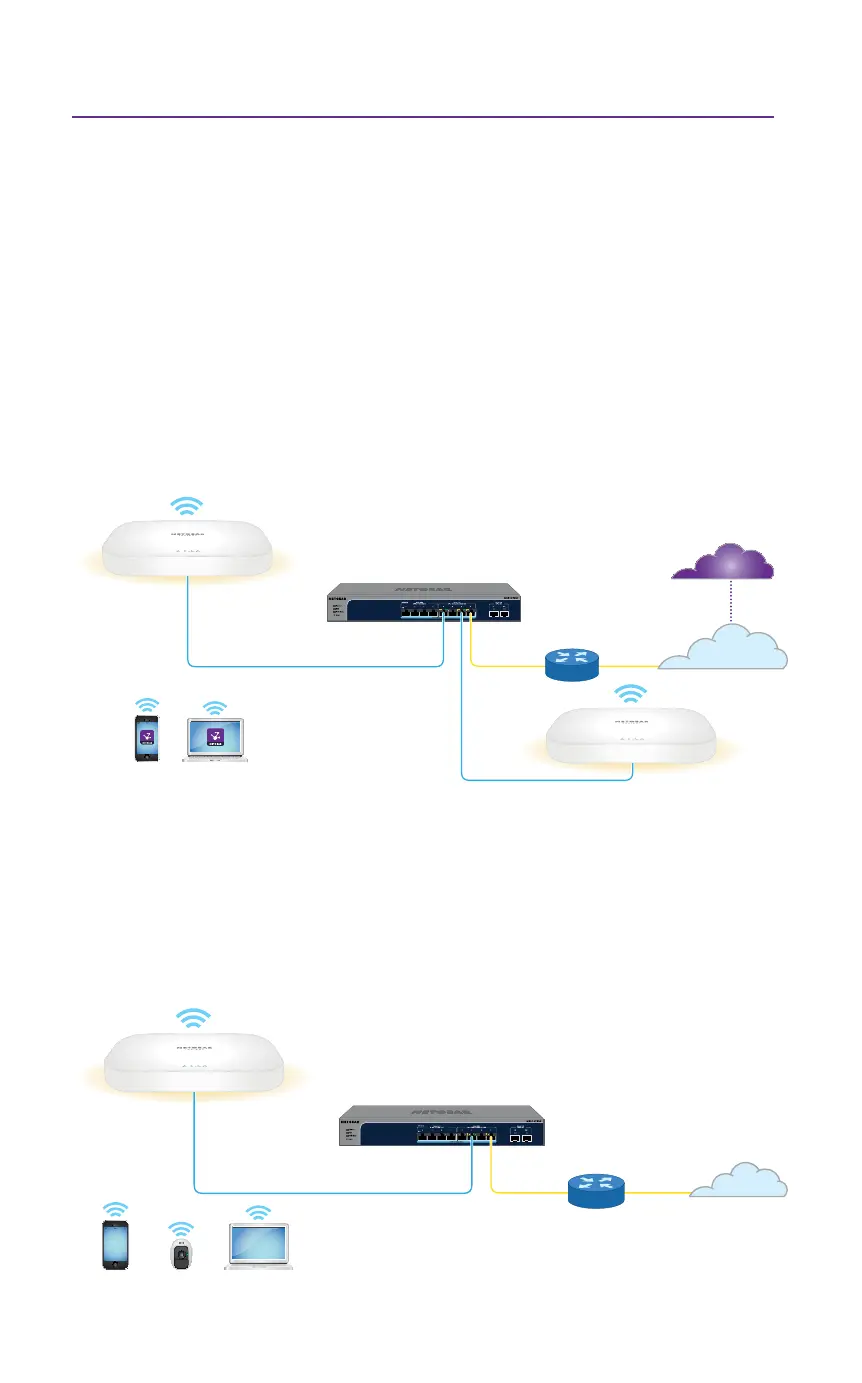
Sample connections for a standalone setup
WAX620
2.5 Gbps PoE+ switch
Router
WiFi clients
Internet
Sample connections for a NETGEAR Insight setup
WAX620
2.5 Gbps PoE+ switch
Router
WiFi clients with Insight Cloud
Portal or Insight app access
Internet
Insight cloud
WAX620



 To Next Page